Upload a clear necklace product photo
JPG, PNG, or WebP, up to 10MB. Use one necklace with even lighting, and show the full chain and pendant if you can. White-background shots, flat lays, and clean smartphone photos all work.
Turn a necklace product photo into an on-model image. See chain drape and pendant placement — no photoshoot.
Free credits at sign-up · No credit card required · About 1–2 minutes
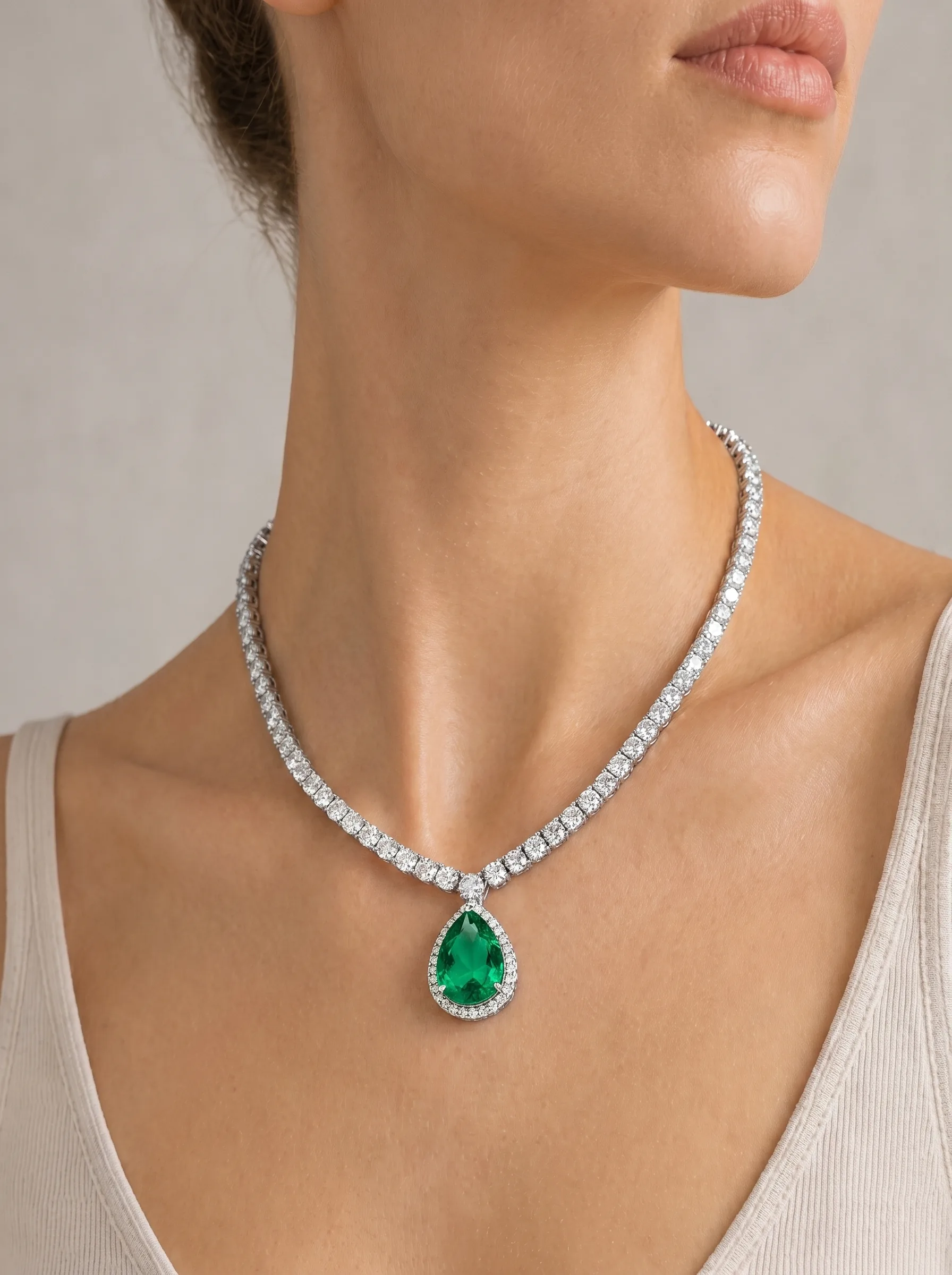
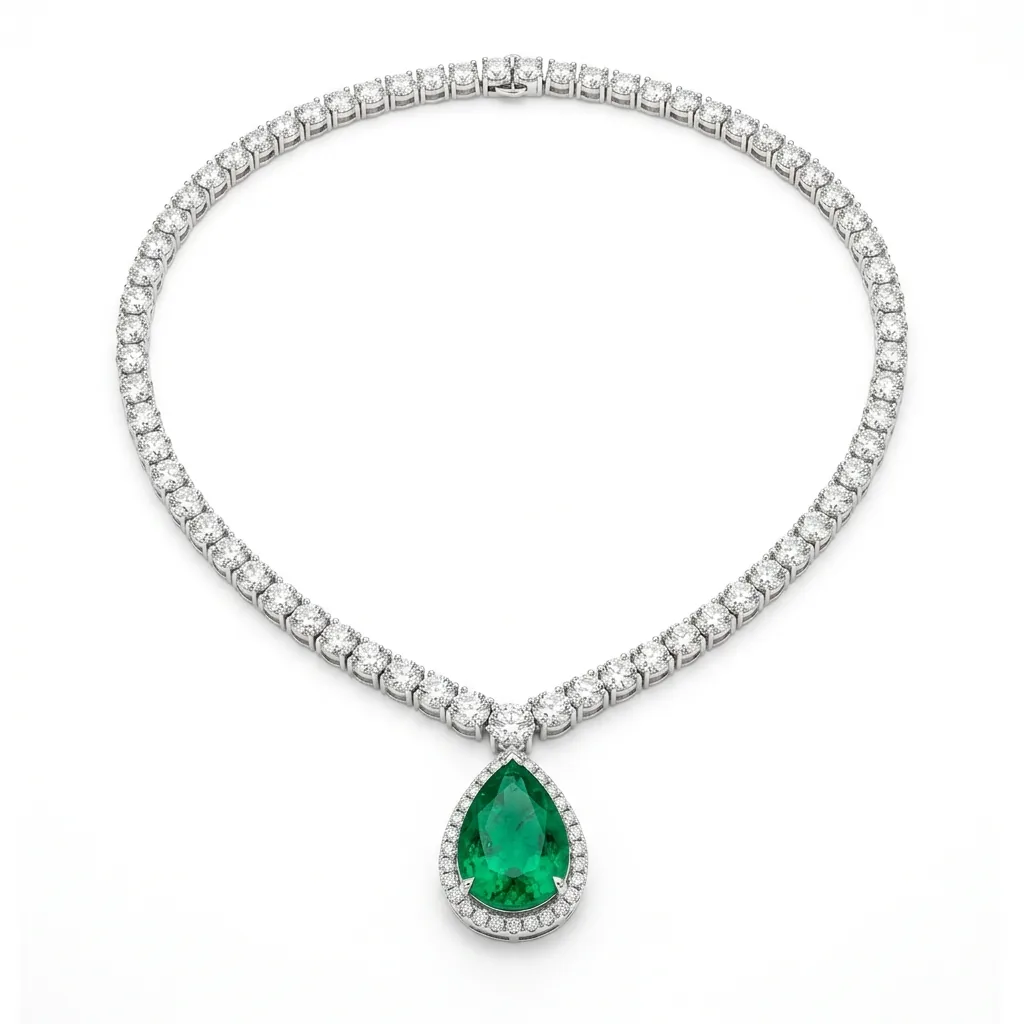
Necklace
Eight common necklace styles, each starting from a plain product photo. Turn a flat-lay product photo into a necklace mockup on a model, then drag the slider to compare.
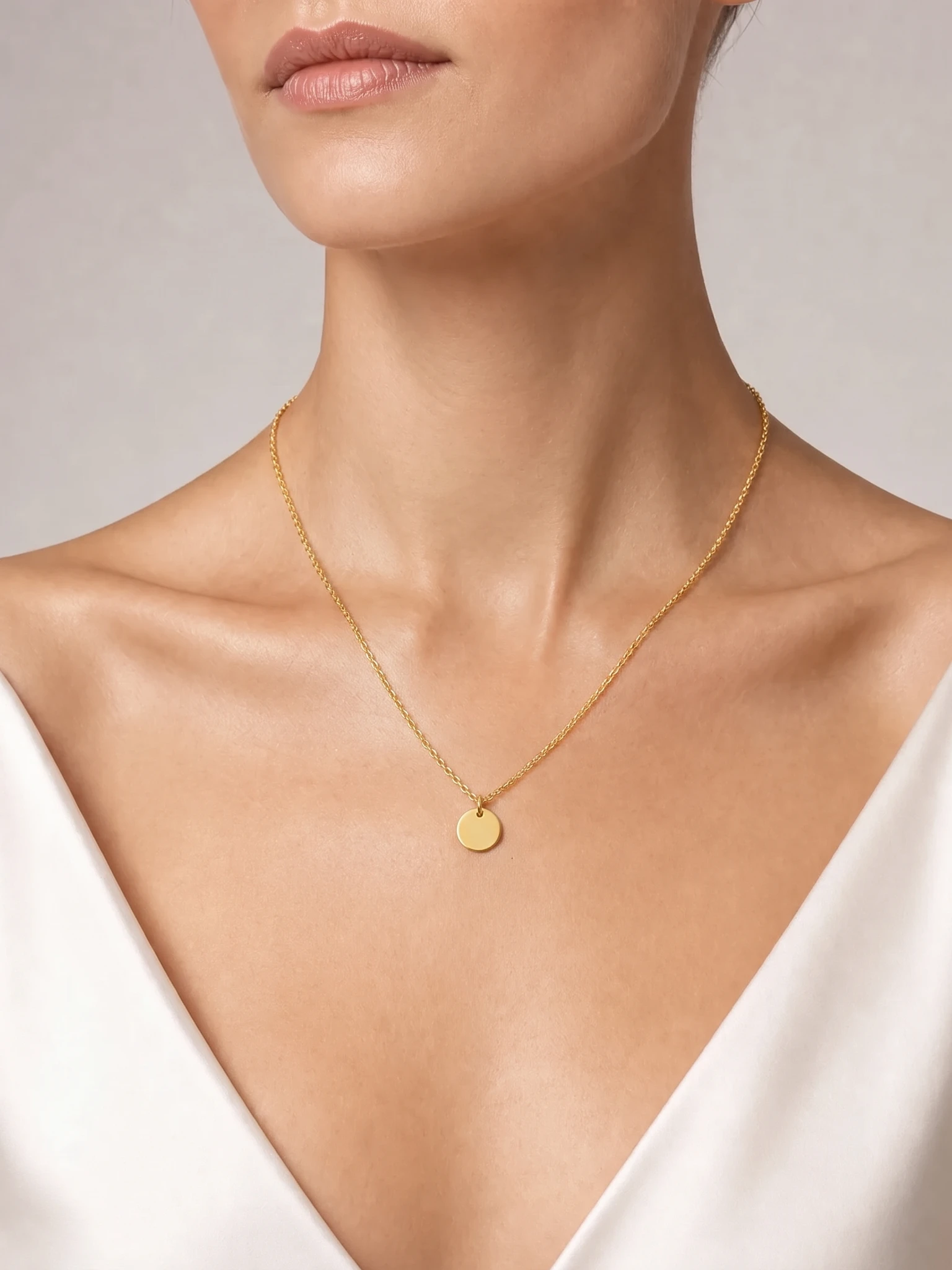
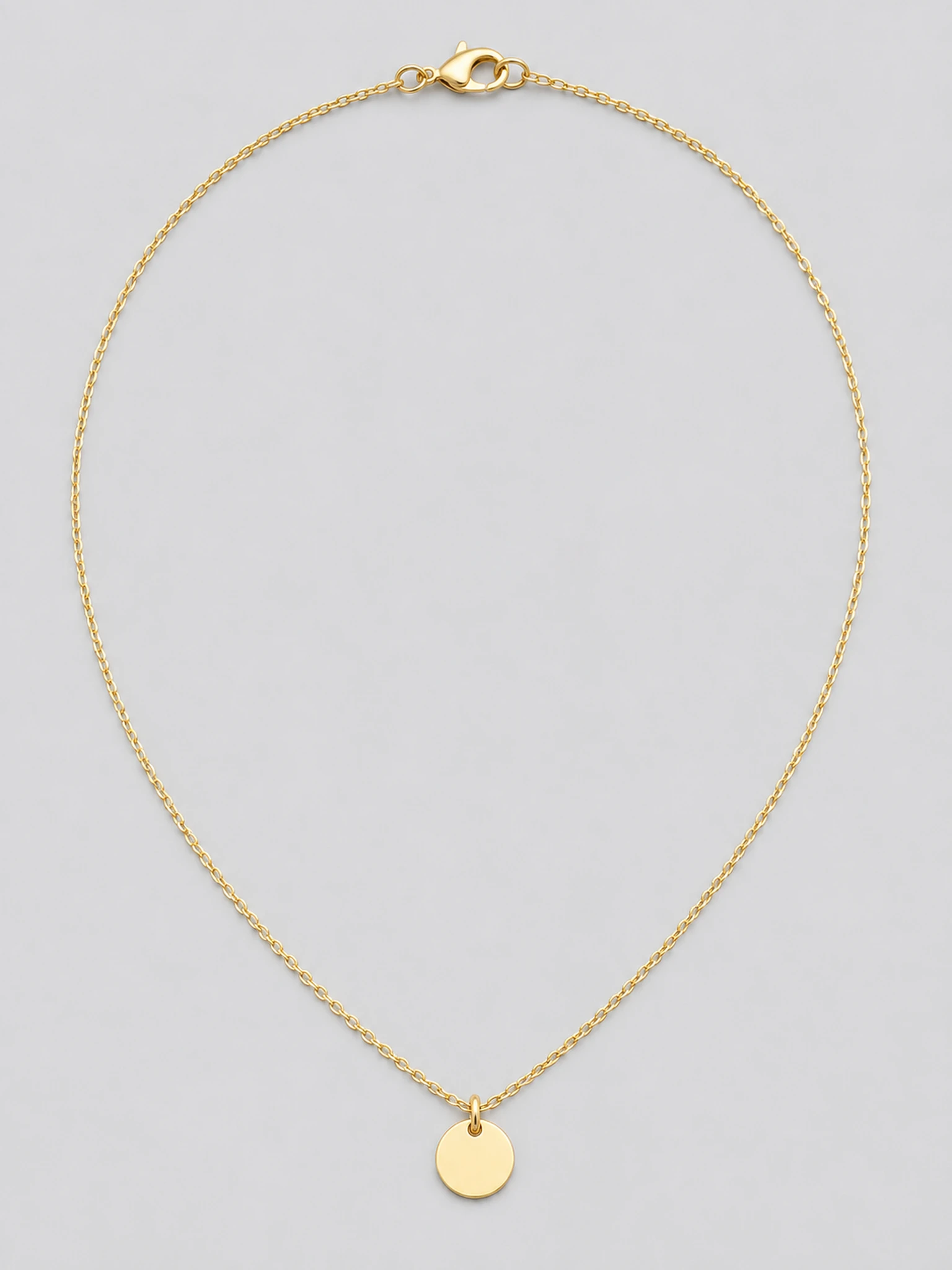
Dainty gold pendant
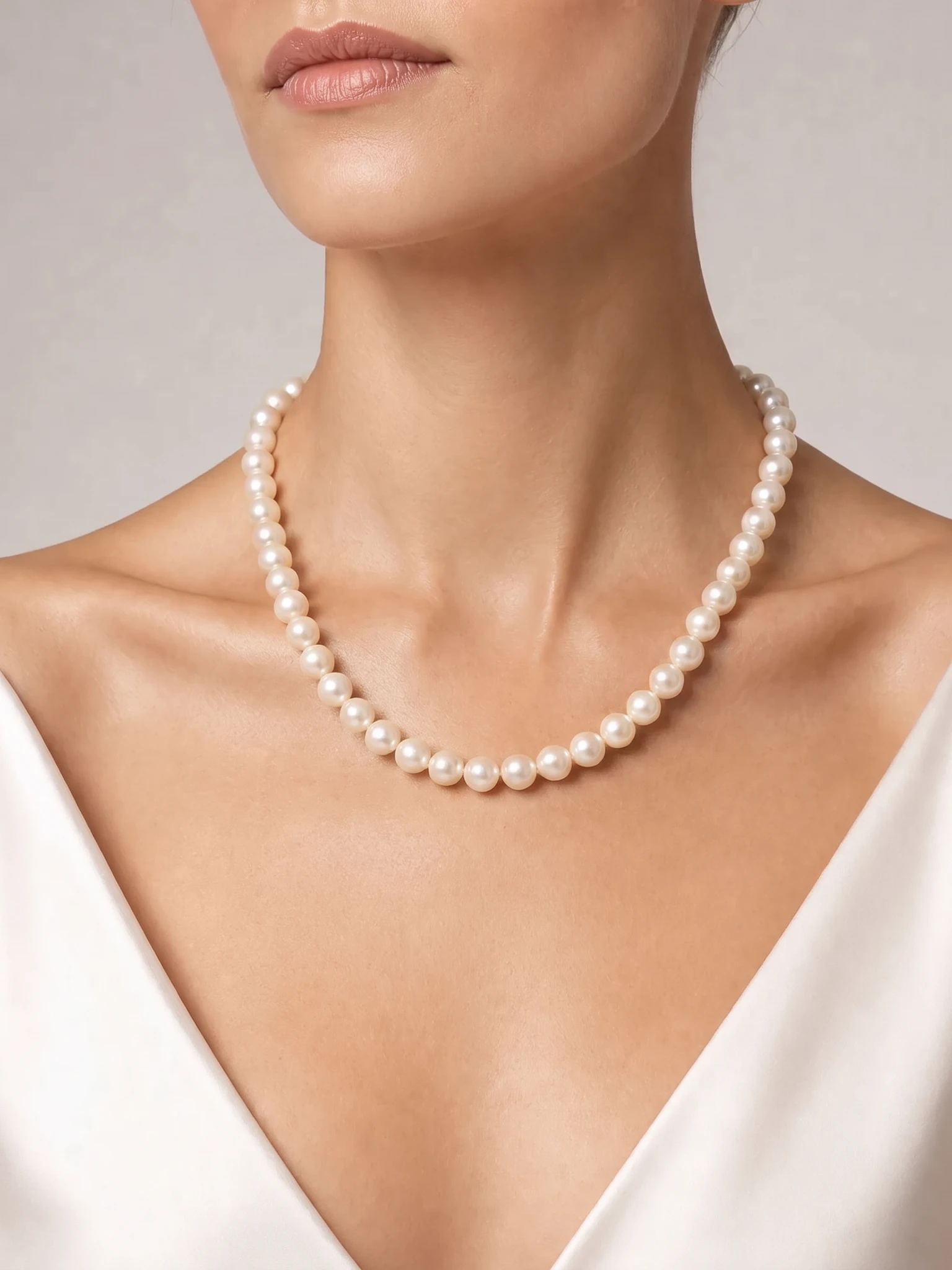
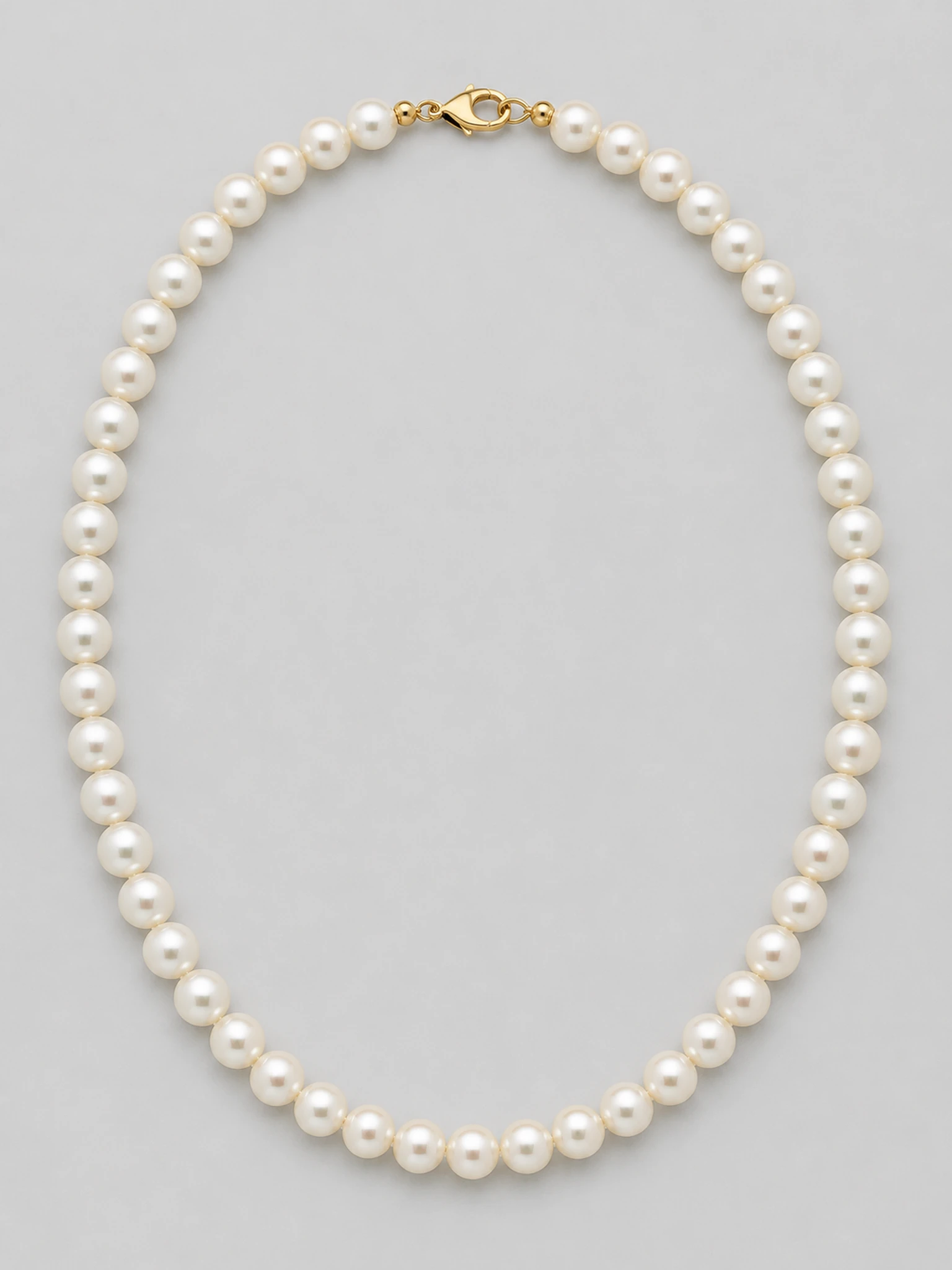
Pearl strand
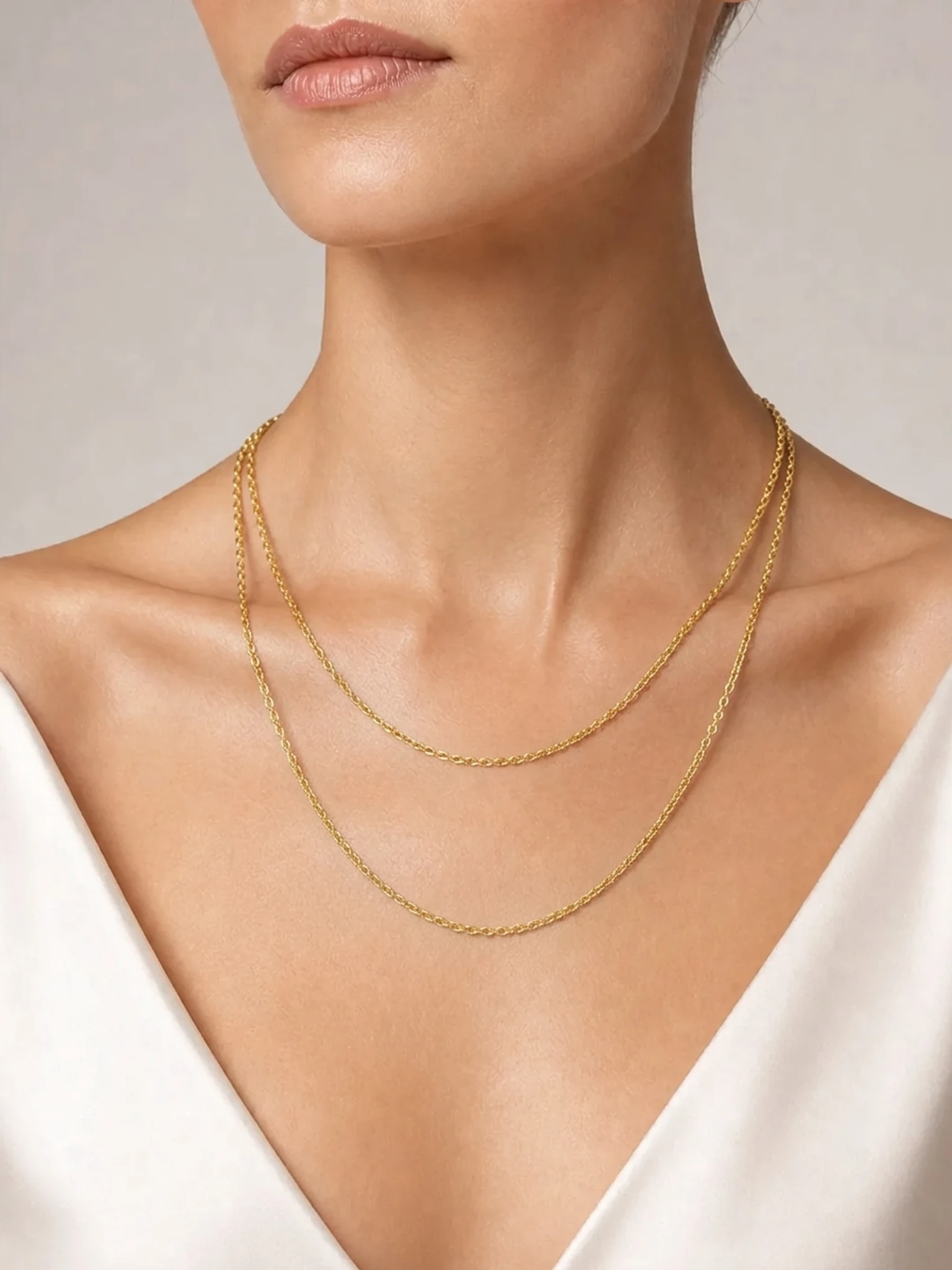
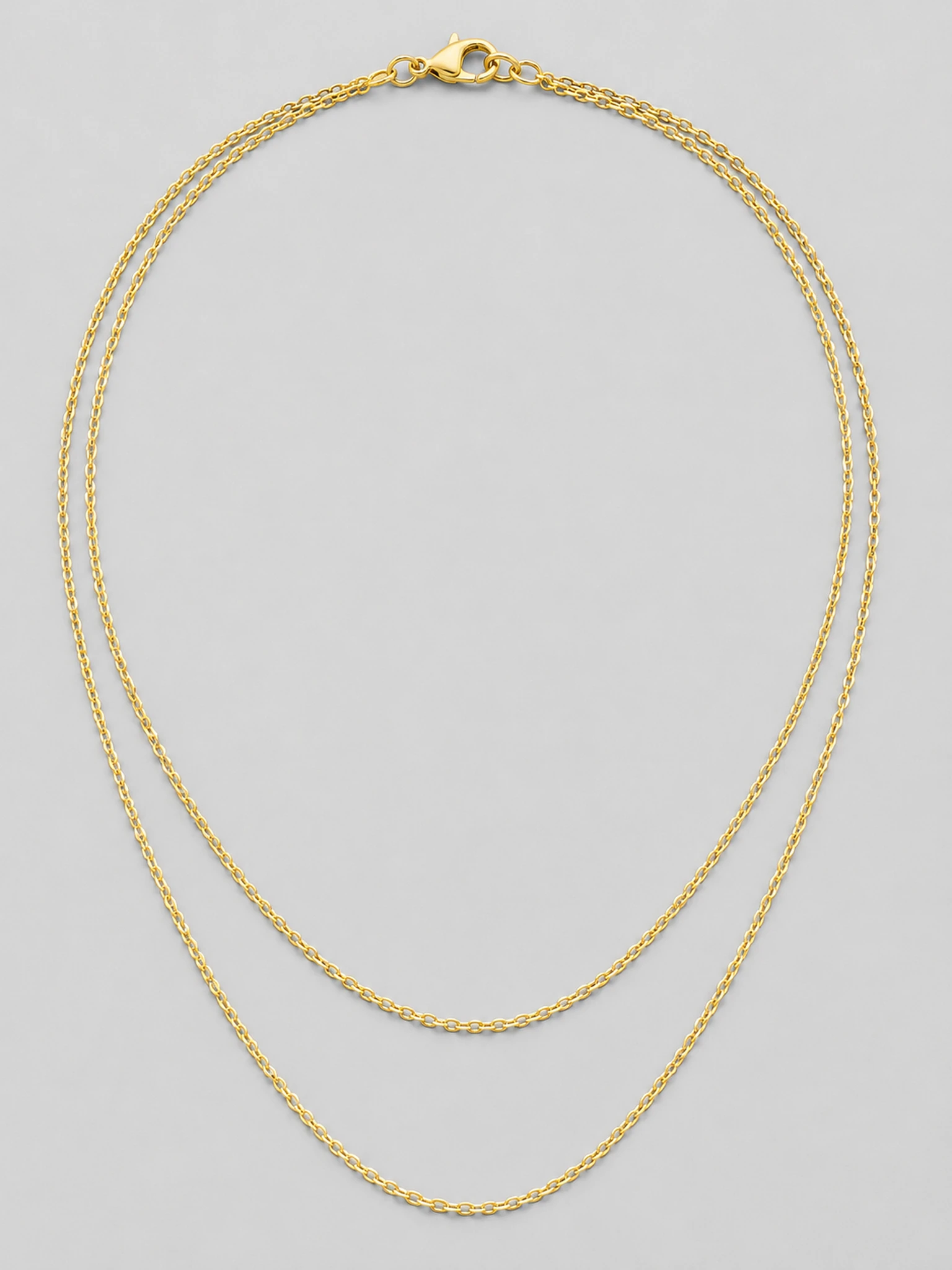
Layered chains
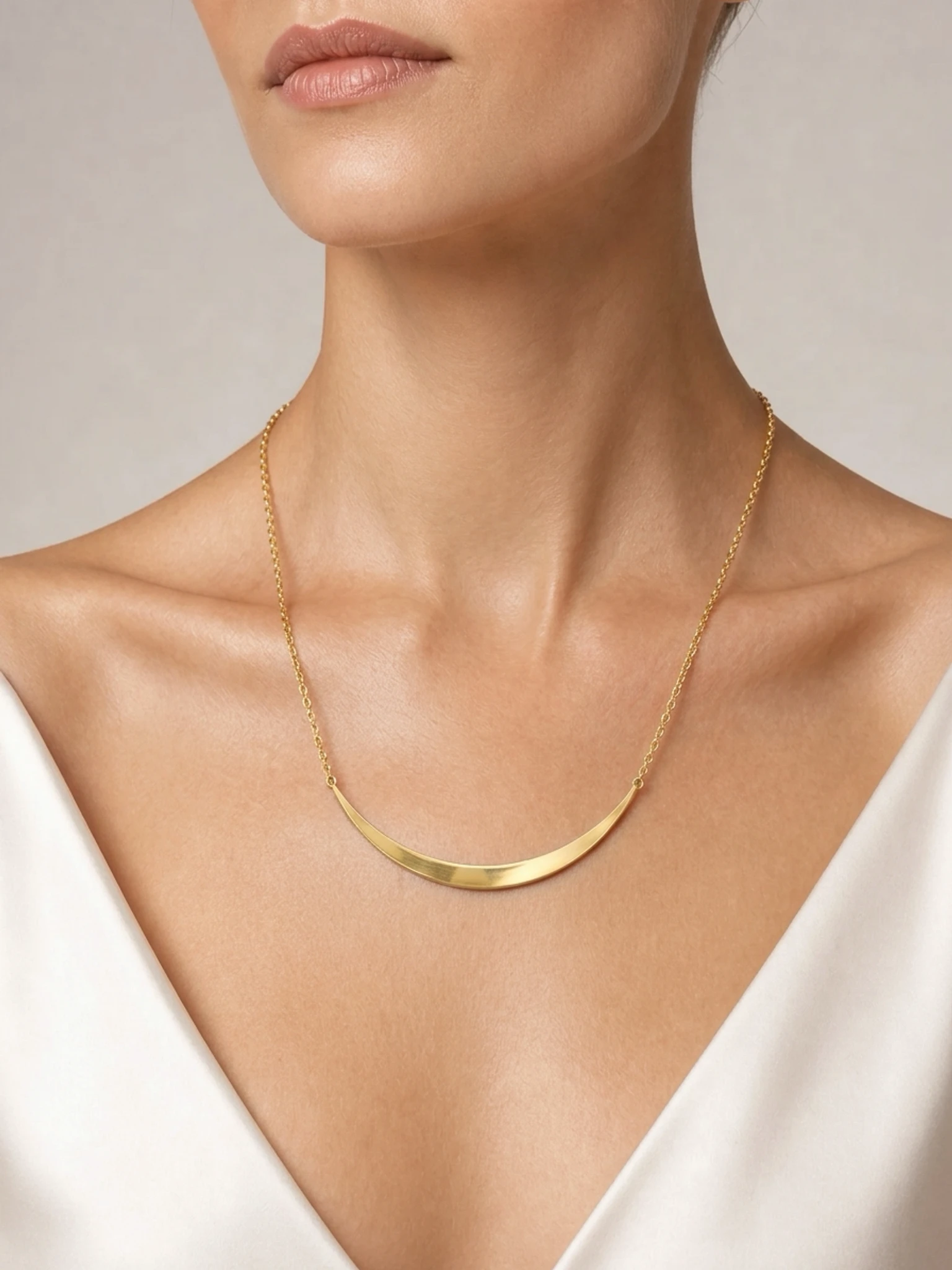
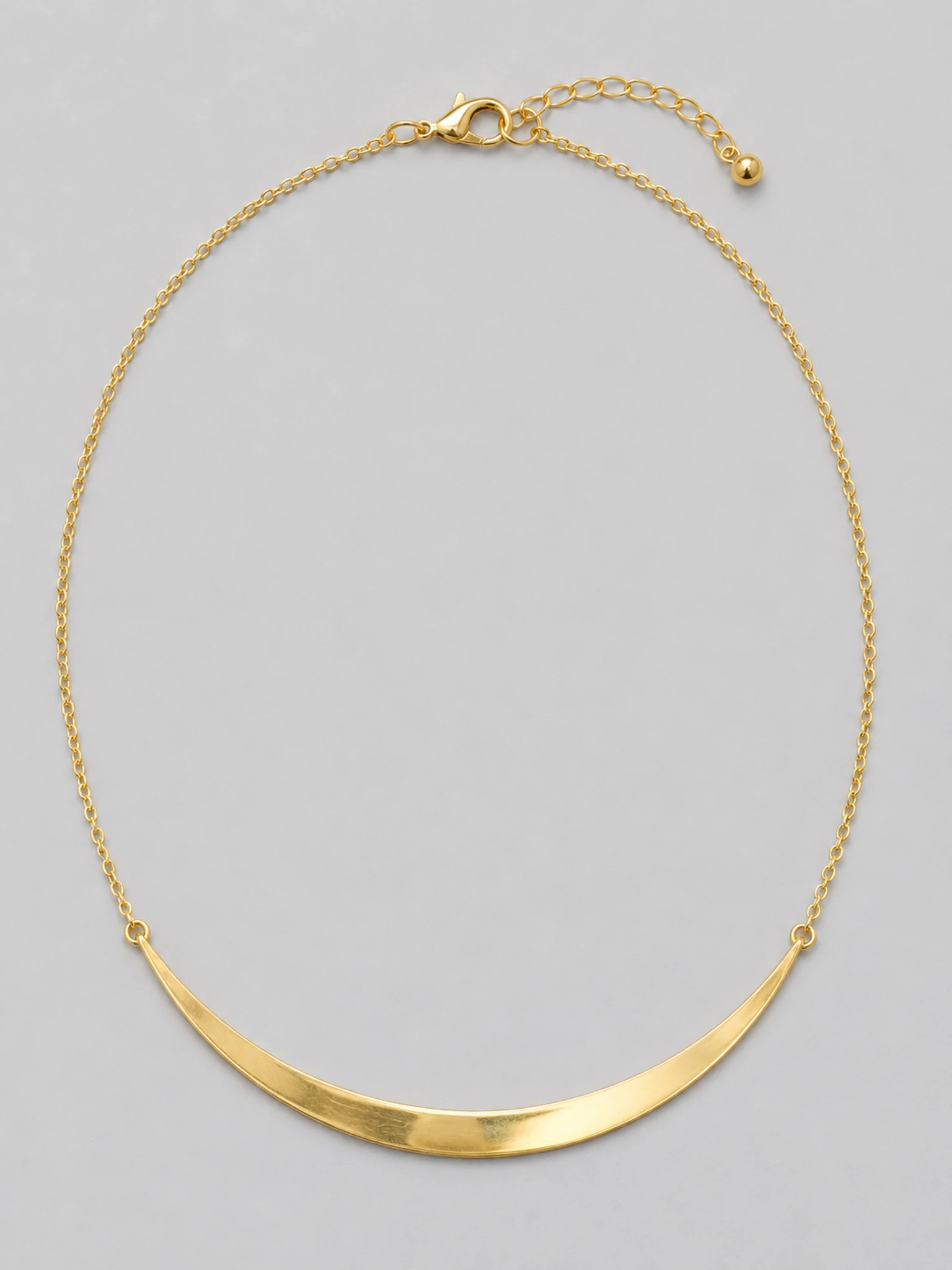
Statement collar
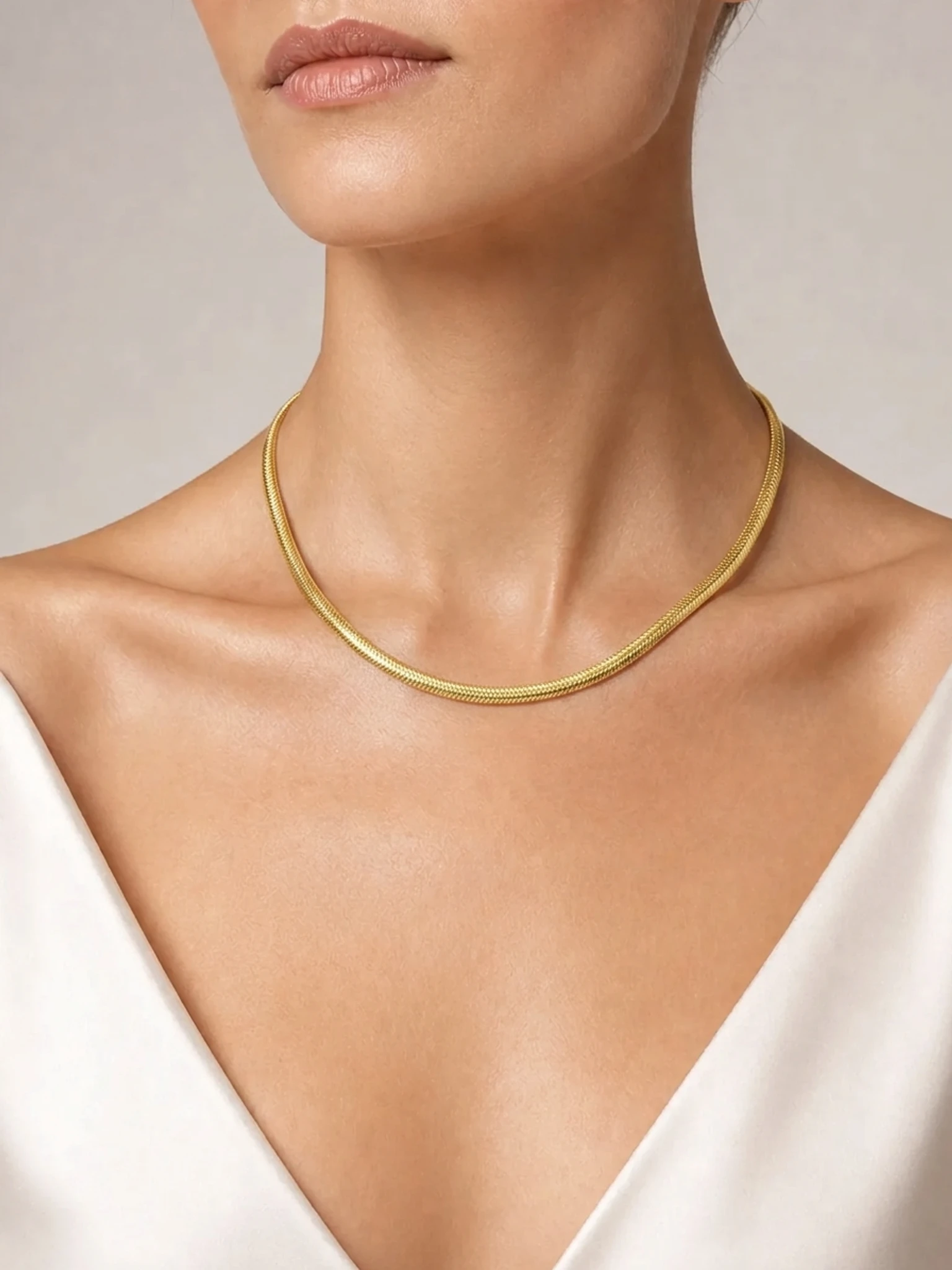
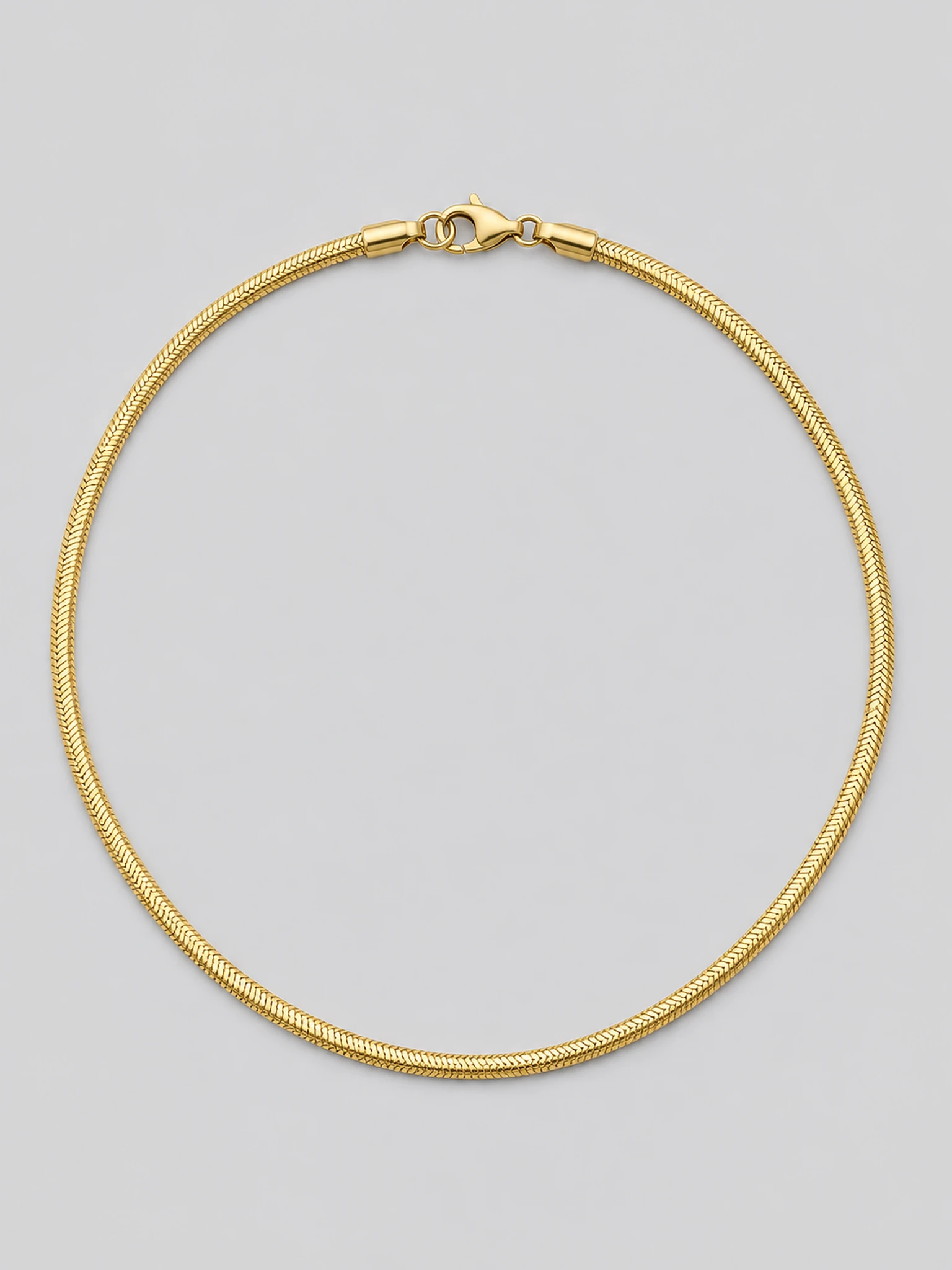
Gold choker
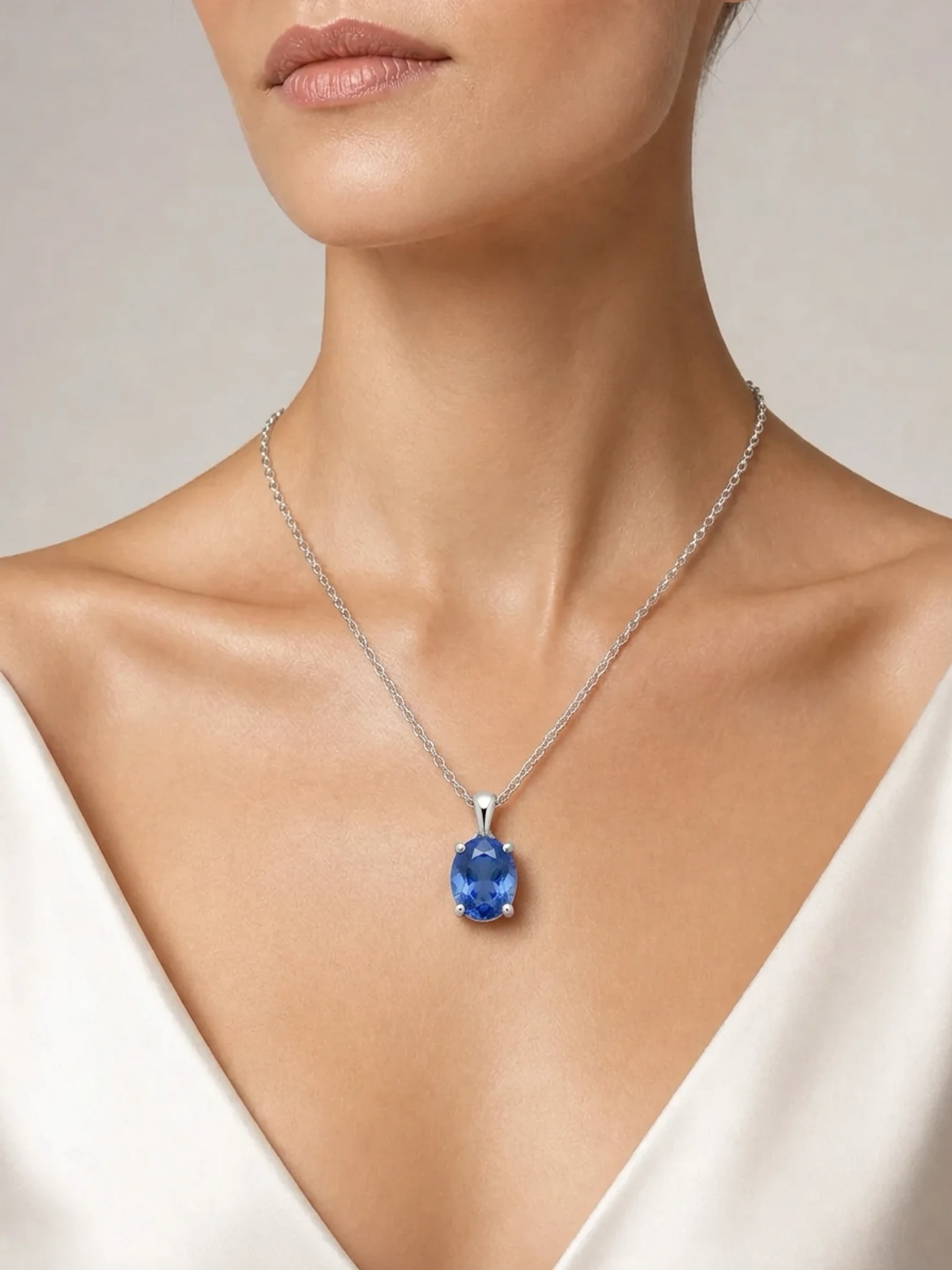
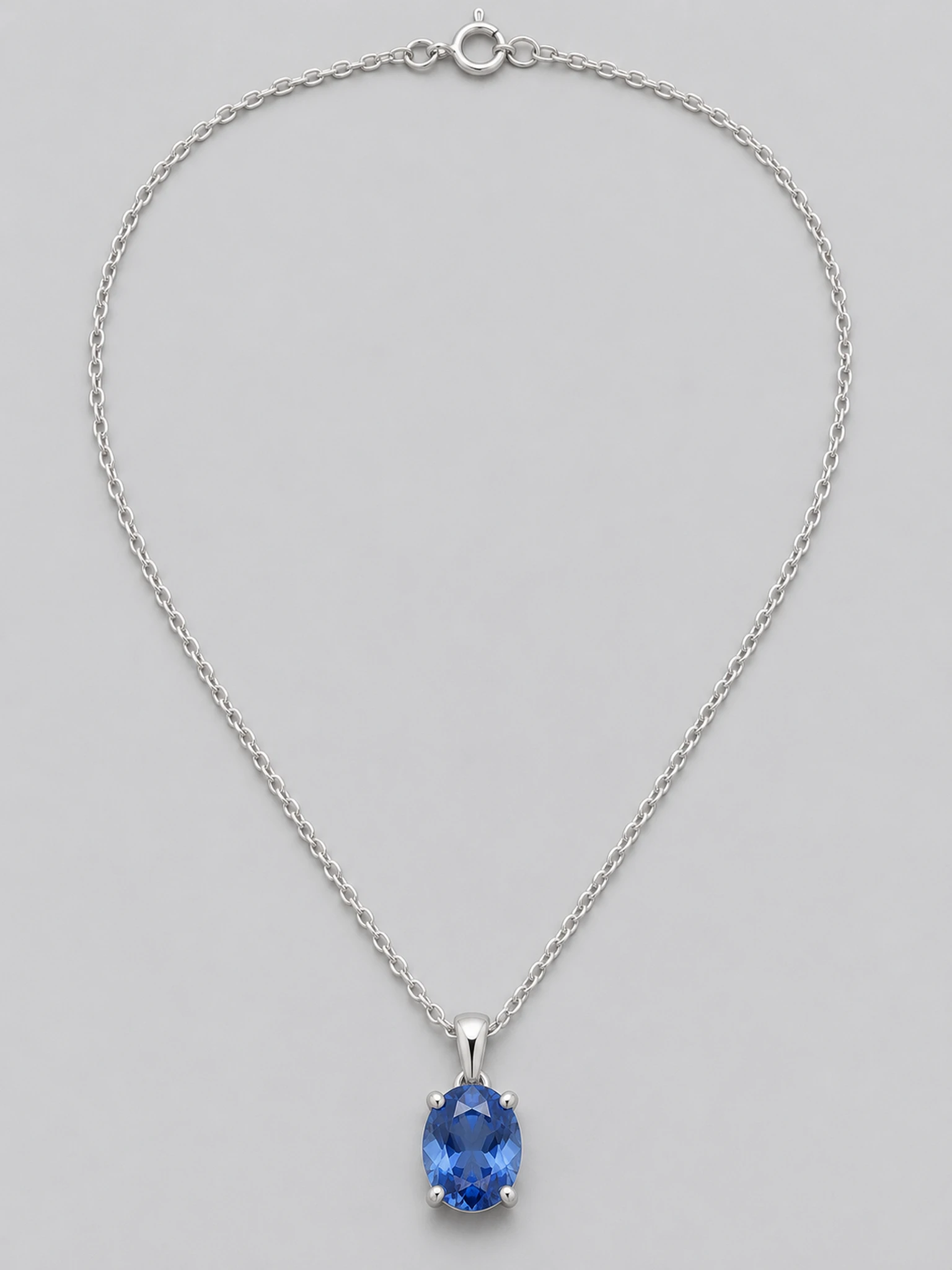
Silver gem pendant
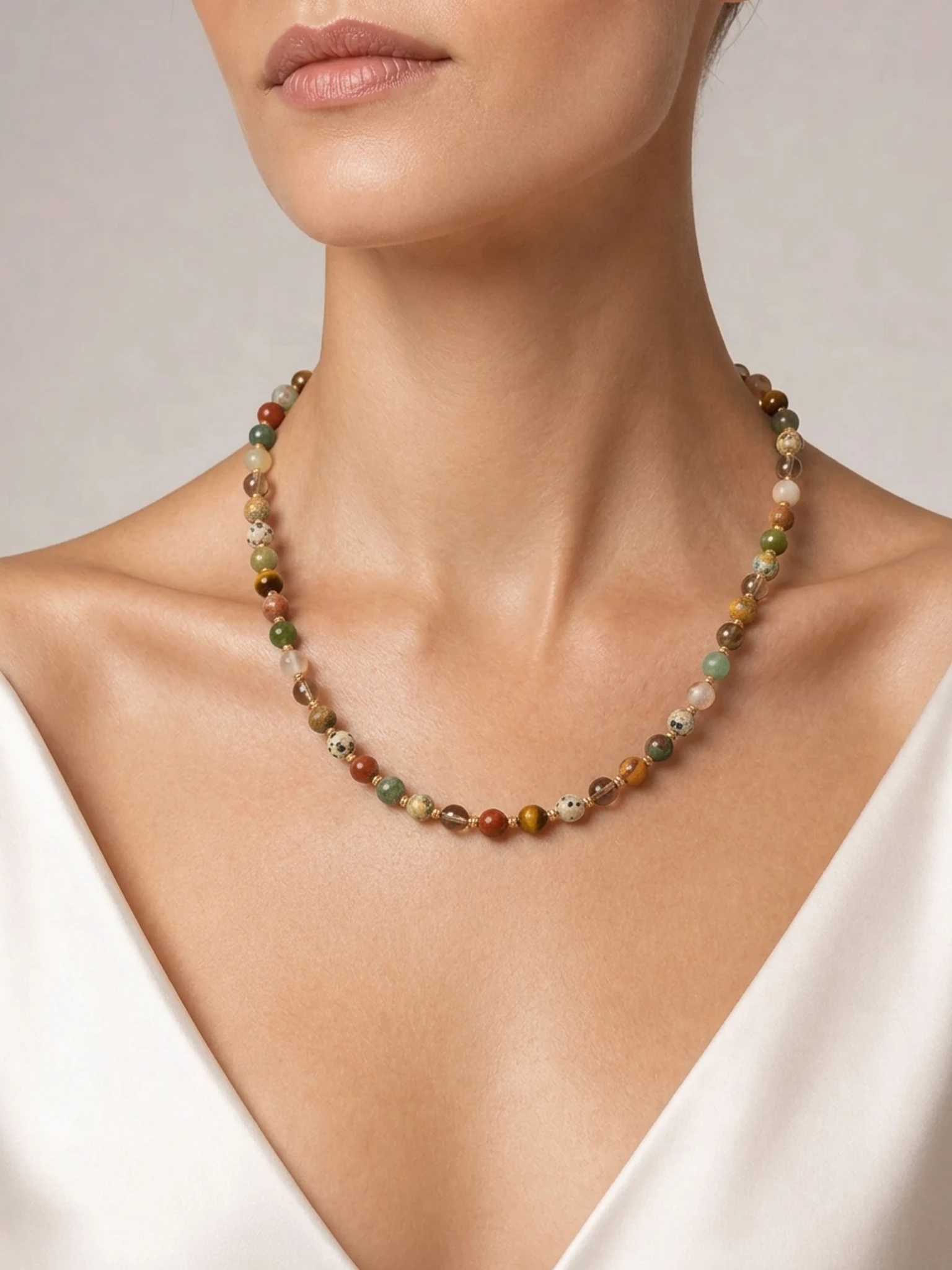
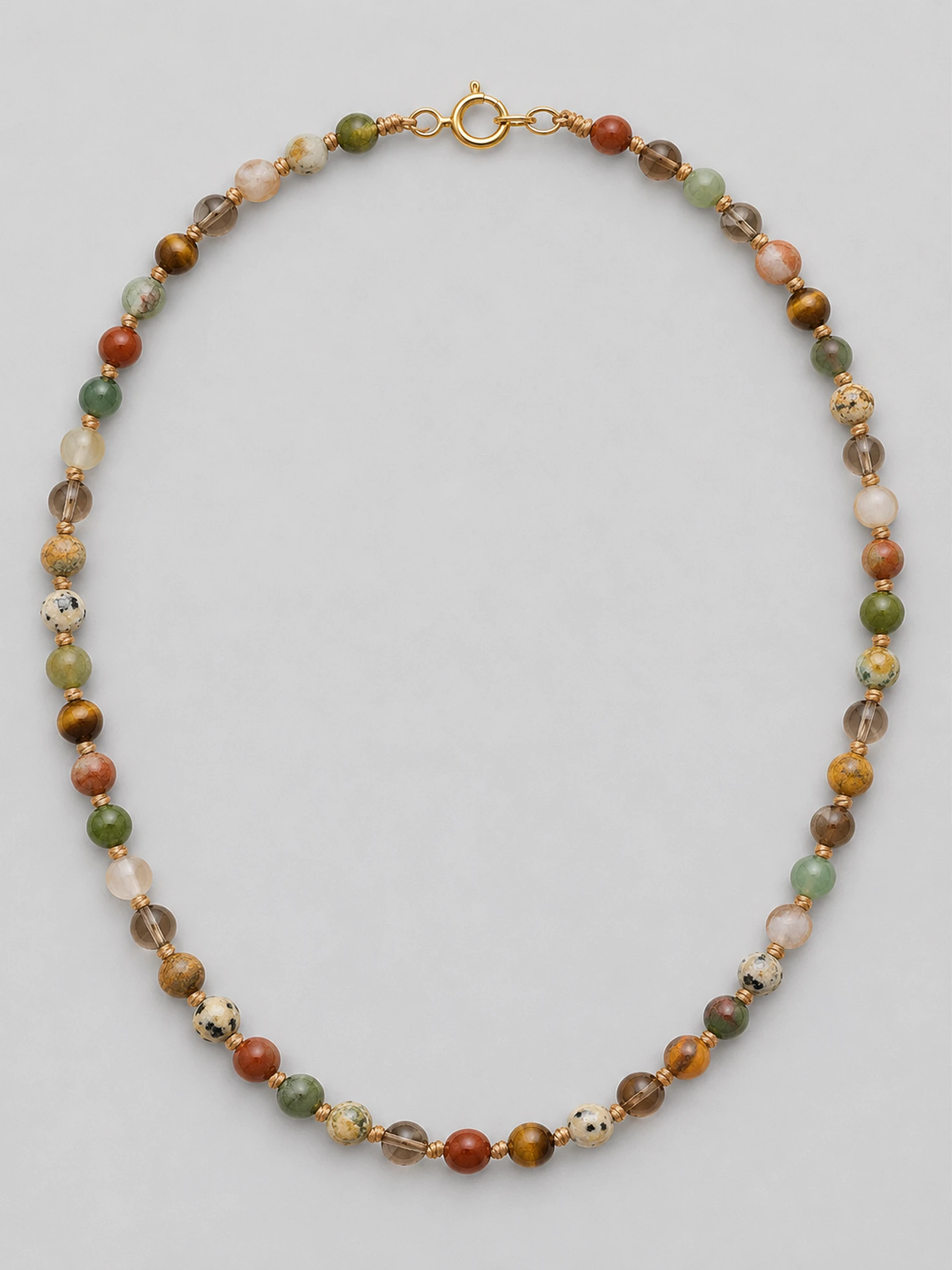
Beaded necklace
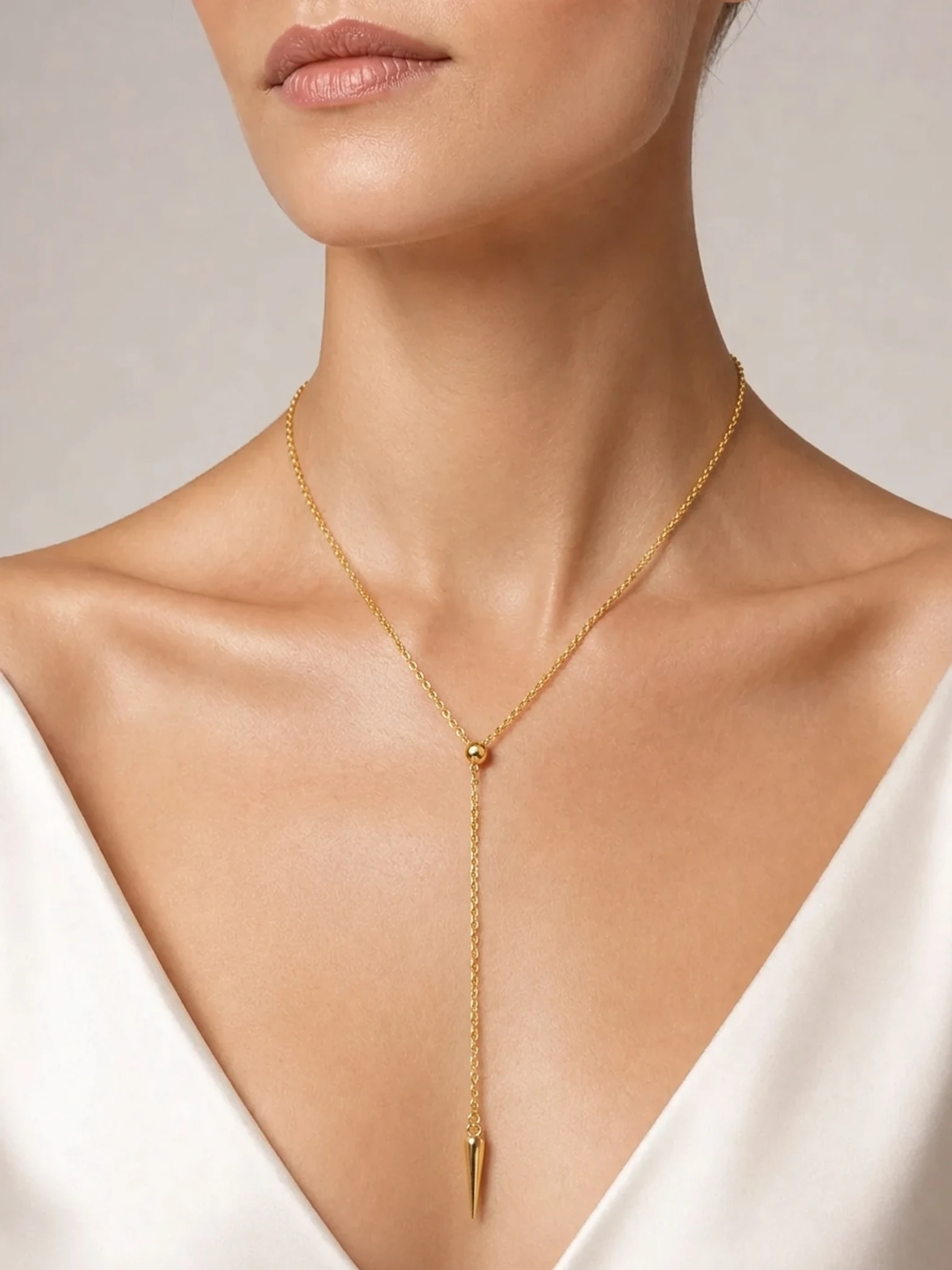
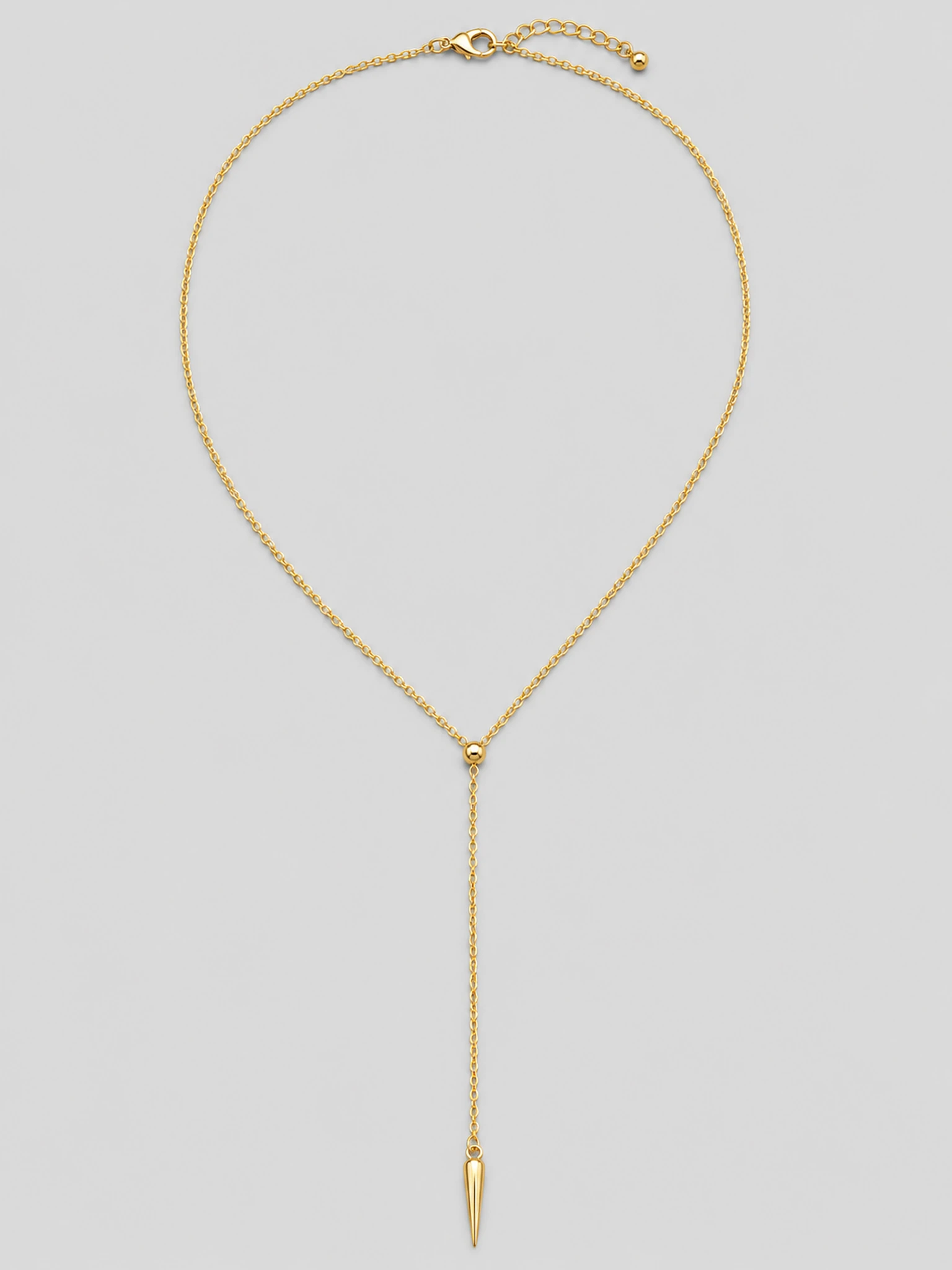
Long Y lariat
Left: plain product photo · Right: on-model result
Three steps in the generator above. Necklace is already selected when you open it from this page.
JPG, PNG, or WebP, up to 10MB. Use one necklace with even lighting, and show the full chain and pendant if you can. White-background shots, flat lays, and clean smartphone photos all work.
Pick one of 6 preset necklace models, or upload your own model photo. You must have the rights to any model photo you upload.
After you click Create, choose Manual Placement (recommended) to set the position, size, and angle yourself, or Auto Placement to use a suggested position. If Auto can't place it, you'll be asked to adjust it manually. Output is 2K by default and takes about 1–2 minutes. Check chain links, clasp, and stones before you publish.
This AI necklace model generator turns one necklace product photo into a static on-model image, so you can see how the chain drapes and where the pendant sits without a photoshoot. It is not a live try-on and not a tool for measuring length. Check the chain links, clasp, and metal color before you list it.
An on-model image helps you judge roughly where a chain falls, how large the pendant looks, and how the necklace sits with a neckline. In Manual Placement you set the position, size, and angle yourself before generating.
This is a visual approximation only. It is not an exact length measurement and does not replace real dimensions or a necklace length chart. Long styles such as Y necklaces and lariats need an extra check that the drape looks natural, and always check the links and clasp.
Your photo is the reference for every image, but AI can still change small details such as stone count, prongs, or chain links. Zoom in and check before you publish.
See the Terms of Service and pricing for details.
Etsy and Shopify sellers who make their own necklaces and need on-model images for each new piece without a photoshoot.
Jewelry brands that need a repeatable way to create on-model necklace images as the catalog grows.
Teams handling several jewelry clients who need necklace model images for product pages, ads, and social content.
Selling on Etsy? Etsy requires at least one unedited photo of the actual item in each listing. It doesn't have to be the first image, and Etsy recommends noting AI edits in the description. Keep your real photo in the listing and use these images as additional photos.
Choose a plan that fits your workflow.
Subscriptions
Perfect for independent designers and small shops launching new pieces
Renews monthly until canceled. Cancel anytime.
Best value for growing brands with regular catalog updates
Renews monthly until canceled. Cancel anytime.
For agencies and high-volume sellers managing large catalogs
Renews monthly until canceled. Cancel anytime.
About creating necklace photos on a model with AI Jewelry Model.
It turns a necklace product photo into an image of that necklace worn by a model, for product pages, ads, and social content. Upload your photo, choose a preset or your own model photo, place the necklace, and generate.
No. This is not a live AR or camera try-on. It generates a still on-model image from your product photo, so you can't see the necklace move as you film.
Only as a rough visual reference. The image shows approximately where the chain falls, but it is not a measuring tool and does not replace real dimensions or a length chart.
After you click Create, choose Manual Placement (recommended) to drag, scale, and rotate the necklace yourself, or Auto Placement to use a suggested position. If Auto can't place it, you'll be asked to adjust it manually.
Yes. You can upload your own model photo instead of using one of the 6 preset necklace models. You must have the rights to any model photo you upload.
You get free credits at sign-up. A 2K image uses 10 credits and a 4K image uses 15 credits (4K requires a paid plan). Credits are charged only when an image is delivered. If a job errors out, its credits go back to your balance automatically. Images made with free credits are not licensed for commercial use.
Your product photo is the reference, and the generation is told to keep the chain or links, clasp, stones, and metal color as shown. AI can still change small details such as stone count, prongs, or chain links, so check the image closely before you publish.
Selling on Etsy? Etsy requires at least one unedited photo of the actual item in each listing. It doesn't have to be the first image, and Etsy recommends noting AI edits in the description. Keep your real photo in the listing and use these images as additional photos.
Necklaces give the most consistent results. Rings, earrings and bracelets are still in beta, and results vary more, so we recommend trying them with your free credits first.
They are in the same generator on the home page. Those types are in beta, and results vary more than for necklaces.
Upload a necklace product photo and see it on a model in about 1–2 minutes.
Free credits at sign-up · No credit card required · About 1–2 minutes