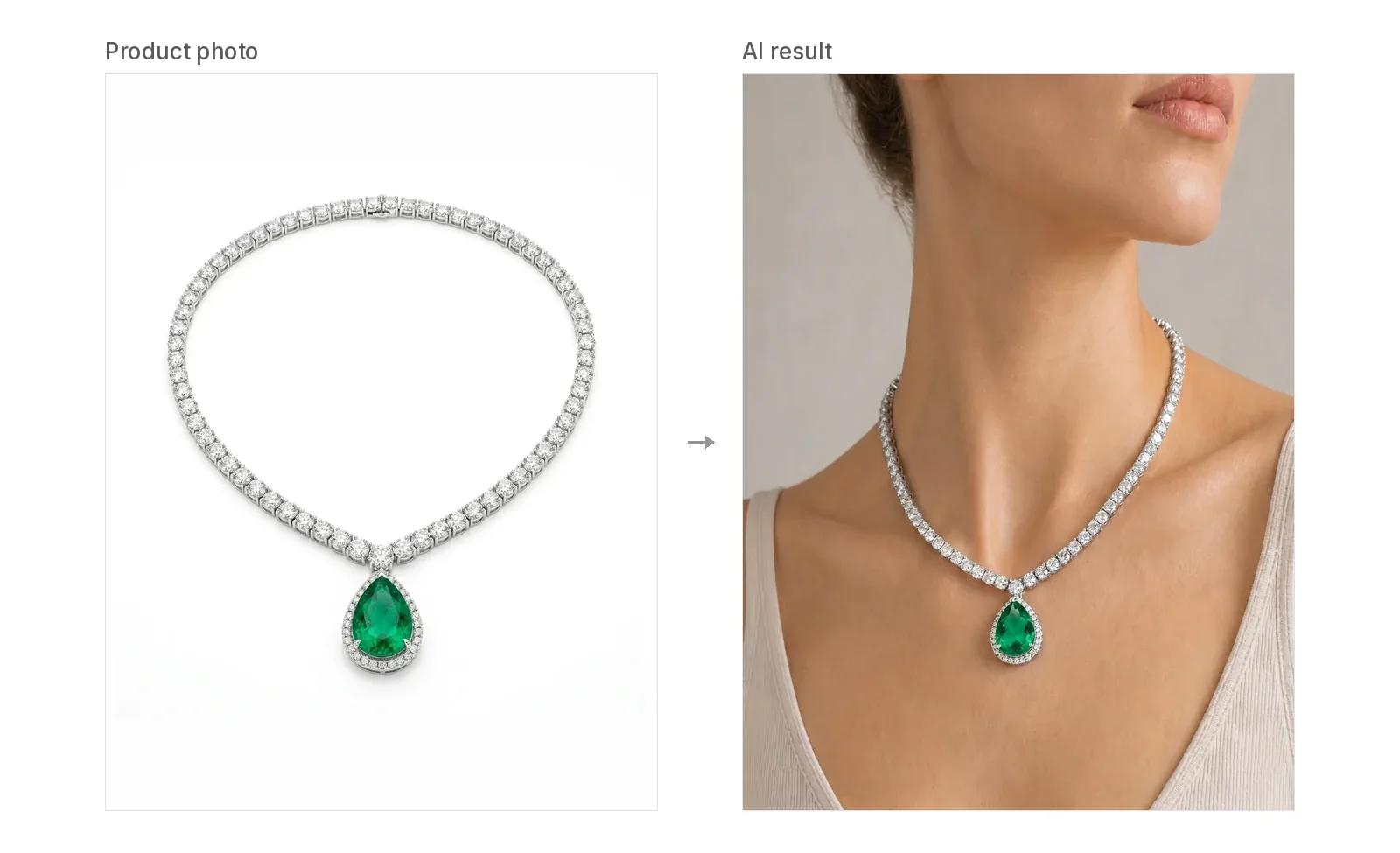
Can I Use AI-Generated Model Photos to Sell Jewelry? Disclosure, Etsy, and Image Rights
Can you sell jewelry with AI model photos? What our license covers, Etsy and Google Merchant rules, Meta AI labels, ad honesty, and consent for real faces.
Short answer: In most cases, yes. If you have the rights to your jewelry photo and to any model photo you upload, and the result shows your piece honestly, you can use AI on-model images to market and sell it. On Jewelry Model AI, the commercial-use license comes with paid plans and paid credits. Each platform has its own rules on AI images and disclosure, so check them before you publish.
Not legal advice. This post explains our own Terms and summarizes a few platform rules as we read them on November 12, 2026. Rules change. Check each platform's current pages, and talk to a lawyer if you need advice for your situation.
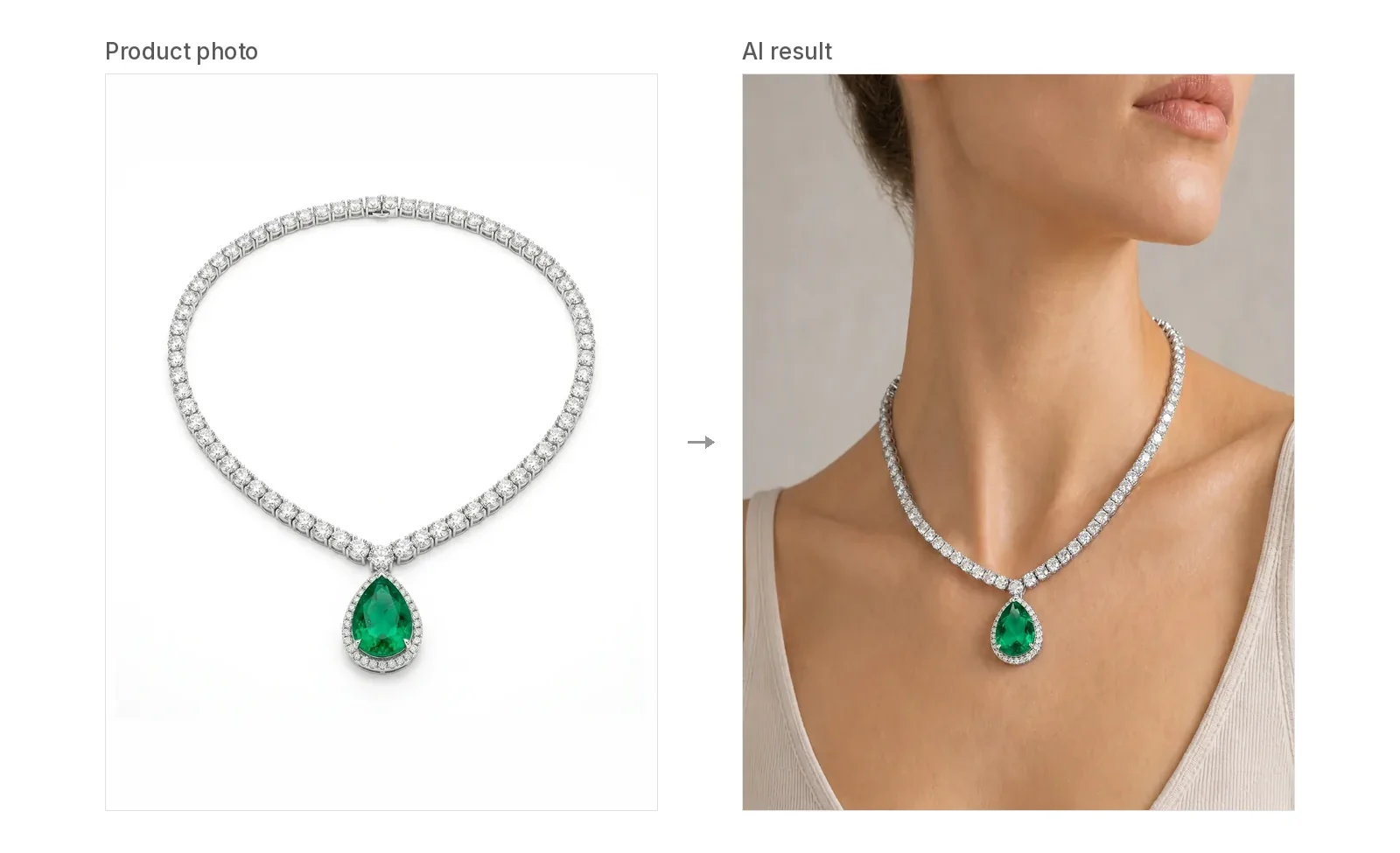
What our license covers
Here is what our Terms of Service and pricing say, in plain words.
- Paid images get a commercial-use license. Paid subscriptions and paid credit packages include a commercial-use license for images generated in your account. You can use them for ecommerce listings, your brand website, social media, marketing campaigns, ads, catalogs and product merchandising.
- Free-credit images are for trying the tool. Images made with the free credits you get at sign-up are not licensed for commercial use. If you plan to sell with an image, make it on a paid plan or with paid credits. See pricing.
- Some uses are not included. You may not resell or redistribute the images as a standalone stock library, a reusable asset pack, a dataset or a white-label generation service without our written permission.
- You keep your uploads. You keep ownership of the jewelry photos, model photos and other materials you upload. We get a limited license to process them so the service works.
We don't call these images "royalty free". Our Terms describe a commercial-use license with the limits above, and that is the accurate way to think about it.
If you took the jewelry photo yourself
This is the most common case, and the simplest one. If you photographed your own piece, you have the photo. If someone else took it, such as a photographer, a supplier or a client, make sure you have permission to use it.
Our Terms make you responsible for the rights to everything you upload. That includes product photos, jewelry designs, brand marks and other people's work. Don't upload a competitor's photos or a branded design you don't have the right to sell. Our Terms also forbid using the service to pass off counterfeit or unauthorized replicas as genuine.
If you want the full process, our guide on how to put jewelry photos on a model walks through every step in the generator.
Using your own face or model photo
You can upload your own model photo instead of using a preset. The upload rule is simple: you need the rights to the photo and the permission of the person in it.
- Your own face: fine, as long as it's your photo.
- A friend, a customer or a hired model: get their permission first, and ideally in writing, so it's clear they agreed to commercial use in ads and listings.
- Celebrities or strangers from the internet: don't. Our Terms forbid using model photos, customer photos, celebrity images or other likenesses without the required consent.
Also keep the post honest. Our Terms forbid fake endorsements. A real person shown "wearing" your piece can look like they bought or recommend it. Don't present an AI image as a customer photo or a testimonial.
Etsy: keep one real photo
Etsy's current image requirements (checked November 12, 2026) say:
- Every listing must include at least one unedited photo of the actual item against a real background. You can crop or resize it, add a watermark or change the file format. Some exceptions apply depending on what you sell.
- All images must accurately show the item's true color, condition, scale and materials. You can't use edits to hide flaws or make the item look different from what the buyer will receive.
- Your first listing image does not have to be the unedited photo, but Etsy says it should be the clearest, most realistic view of the item.
- Etsy recommends noting in your listing description if you used AI to edit your photos.
Etsy also warns that if a listing doesn't meet these image rules and a buyer opens a case because the item is materially different, the seller may have to refund the buyer (Etsy Seller Handbook, checked November 12, 2026).
What this means in practice: keep your real product photo in the listing, add AI on-model images as extra photos, and mention in the description that the on-model photos were made with AI.
Google Merchant Center: keep the AI metadata
If you list products on Google Shopping, Google's AI-generated content policy (checked November 12, 2026) says all images created with generative AI must carry metadata that marks them as AI-generated, using the IPTC DigitalSourceType value TrainedAlgorithmicMedia. Google also tells merchants not to remove that metadata. AI-generated images can be used as the main image, additional images and lifestyle images.
We can't promise that every downloaded file still carries this tag after you edit or export it. Before you upload to Merchant Center, check the file's metadata and add the tag if it's missing.
Instagram and Facebook: AI labels
Meta says it uses industry signals such as C2PA to detect AI-generated or AI-edited content and may show an "AI info" label on it. For organic posts, Meta requires people to use its disclosure tool when they post a photorealistic video or realistic-sounding audio that was digitally created or altered. Meta also says it now adds AI info to ads it detects were made with third-party AI tools, shown under "About this ad" (Meta newsroom, checked November 12, 2026).
For ads made with Meta's own generative AI tools, an ad that includes an AI-generated photorealistic person shows the AI info label next to "Sponsored" (Meta Help Centre, checked November 12, 2026).
So an AI on-model photo of your necklace may get an AI label on Instagram. That's not a penalty. Plan your caption so the label doesn't surprise your followers.
Ads: the image must not mislead
In the US, the FTC's Advertising FAQ's: A Guide for Small Business (checked November 12, 2026) says ads must be truthful and not deceptive, claims need evidence behind them, and ads can't be unfair. The FTC looks at the whole ad, including words, phrases and pictures, to decide what it tells a reasonable shopper.
For jewelry, the risk is less about the word "AI" and more about what the picture implies. Ask yourself:
- Does the image show the real stones, metal color, finish and size?
- Does it look like a customer photo or a review when it isn't one?
- Would a shopper feel misled once the piece arrives?
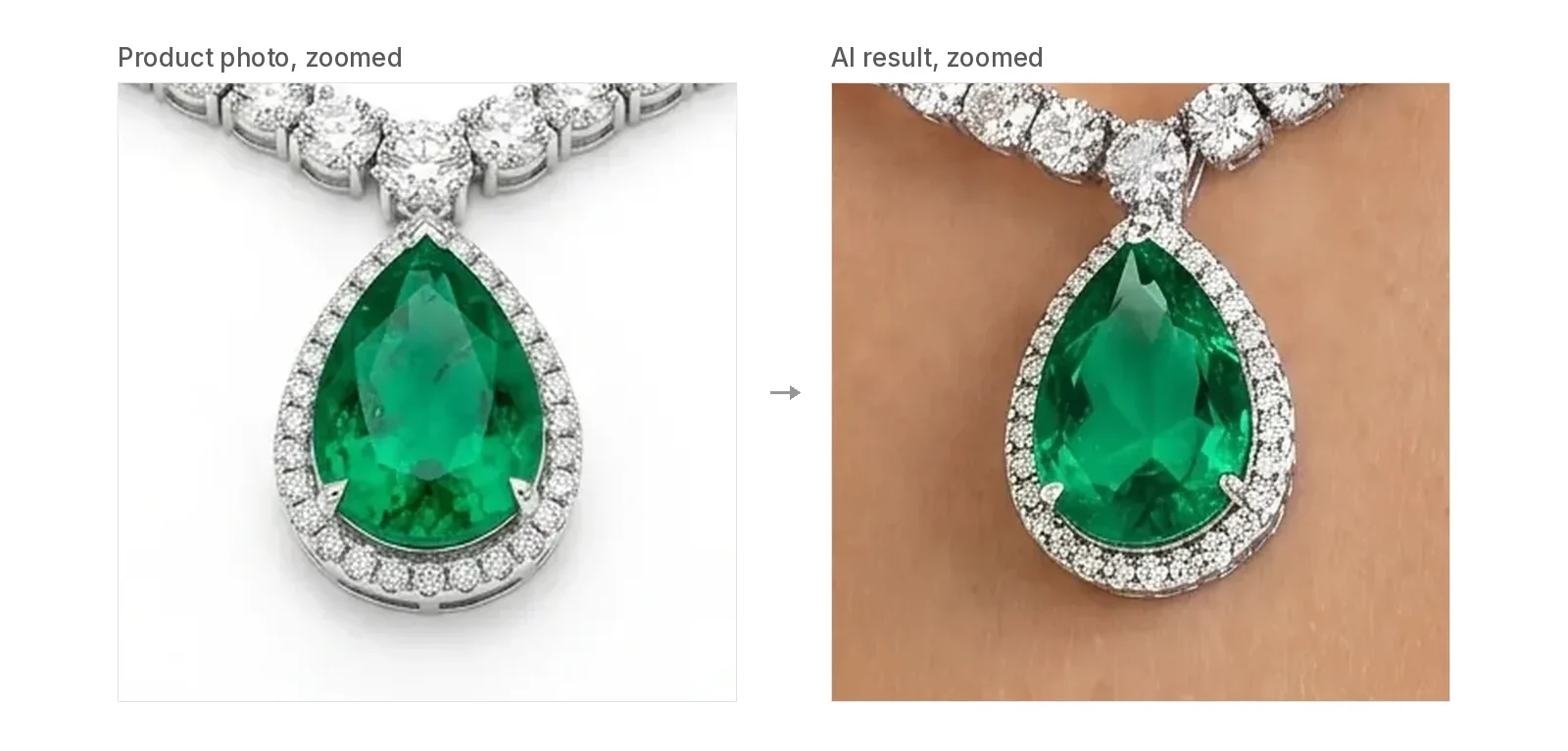
AI can change details. Our Terms say the result may alter lighting, reflections, scale or product details, and we don't guarantee exact gemstones, metal finish, engravings, ring size, chain length or clasp design. An AI image is not a size proof, an appraisal or a certification. Compare every result with the real piece before you publish. If a delivered image materially changes your jewelry and regenerating doesn't fix it, contact support. Once we verify it, we restore the credits. Cash refunds are available within 7 days of your first purchase under our refund policy.
Copyright: what you can and can't claim
People often ask whether they can use an AI image "without copyright issues". There are two separate questions.
Can you use it? That depends on the license from the tool and on the rights to what you uploaded. With us, paid outputs come with the commercial-use license above, and you're responsible for your inputs.
Can you stop others from copying it? That's harder. The US Copyright Office's Part 2 report on copyrightability (checked November 12, 2026) concludes that copyright does not extend to purely AI-generated material, and that prompts alone do not provide enough control. Human-authored work that you can see in the output, such as your own jewelry photography, and creative selection, arrangement or edits can still be protected. Whether that's enough is decided case by case. This is US guidance; other countries may differ.
Other platforms
We haven't covered Amazon or other marketplaces here, because we couldn't check their current image rules on an official public page today. If you sell there, read the seller help pages before you upload AI images.
Before you publish: a short checklist
- Make the images on a paid plan or with paid credits.
- Confirm you have rights to your product photo and, if used, the model photo and the person's permission.
- Compare the result with the real piece: stones, metal color, size and clasp.
- Etsy: keep one unedited real photo, and note AI use in the description.
- Google Merchant Center: make sure the AI metadata is in the file.
- Ads and social posts: don't present AI images as customer photos or reviews.
To compare tools first, see our roundup of AI tools that put jewelry on a model. For necklaces, start from the AI necklace model page.
FAQ
Can I use an AI model to show my jewelry if I took the product photo myself? Yes, as long as you have the rights to what you upload and the result shows your piece accurately. Images made on a paid plan or with paid credits include a commercial-use license under our Terms. Images made with the free credits you get at sign-up are not licensed for commercial use.
Are the images royalty free? We don't describe them that way. Paid outputs get a commercial-use license for listings, websites, social media and ads. You may not resell them as a stock library, asset pack or dataset without our written permission.
Do I have to disclose that my product photos are AI-generated? It depends on the platform. Etsy recommends noting AI edits in the listing description. Google Merchant Center requires AI-generated images to keep AI metadata. Check each platform's current rules.
Can I put jewelry on my own face or a friend's photo and post it on Instagram? Yes, if you have the rights to the photo and the person's permission. Meta may label it as AI info. Using someone's likeness without consent is against our Terms.
Can I put AI images on Etsy? Yes, as additional photos. Etsy requires at least one unedited photo of the actual item, and every photo must show what the buyer gets.
Is this legal advice? No. Rules change, so check the platform's current pages and ask a lawyer if you need advice.
Author

More Posts
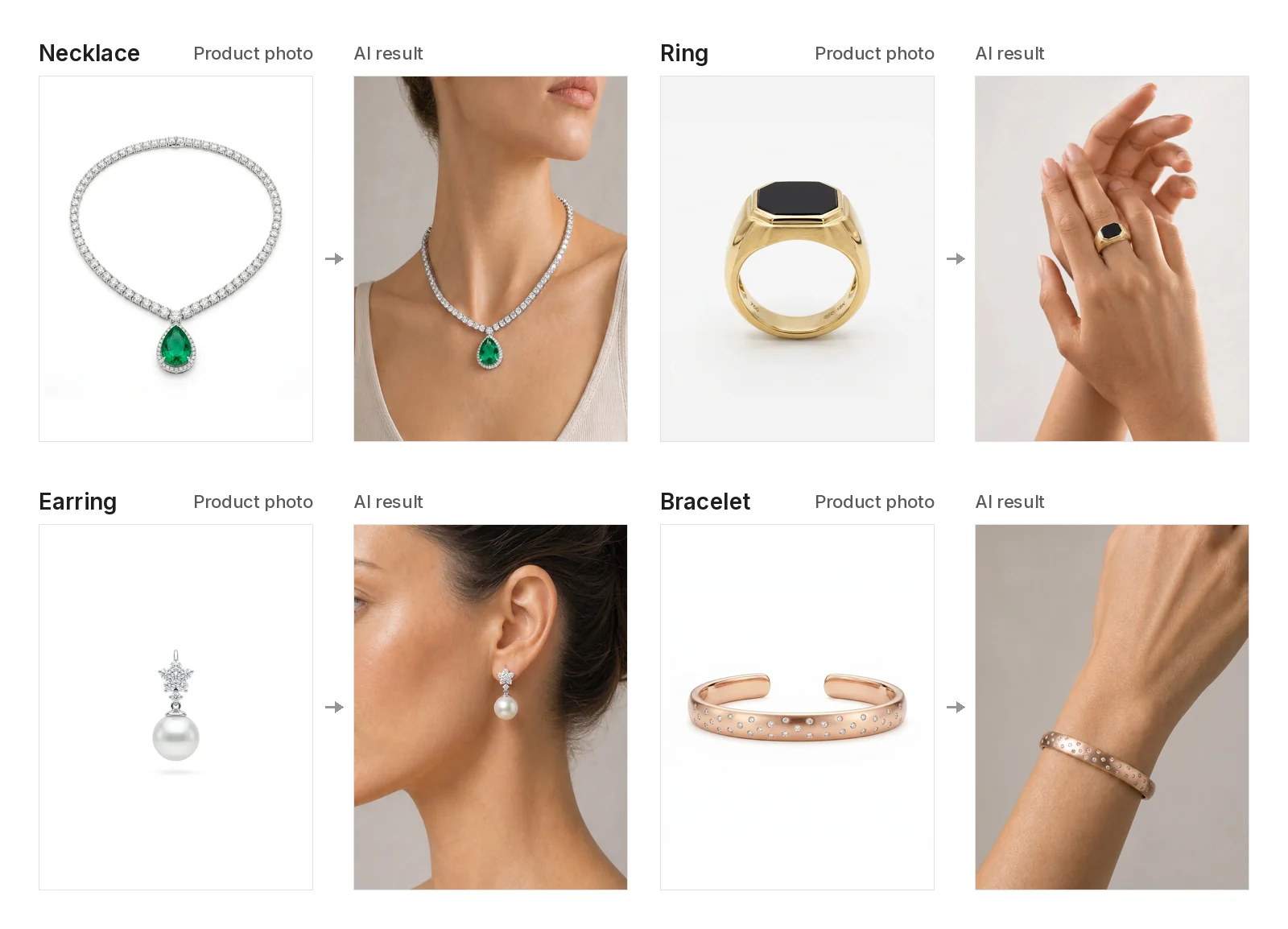
How to Put Photographs of Jewelry onto a Model with AI
Step-by-step: put your jewelry product photos onto a model with AI. Photo tips, Manual or Auto placement, credits, and what to check before you publish.
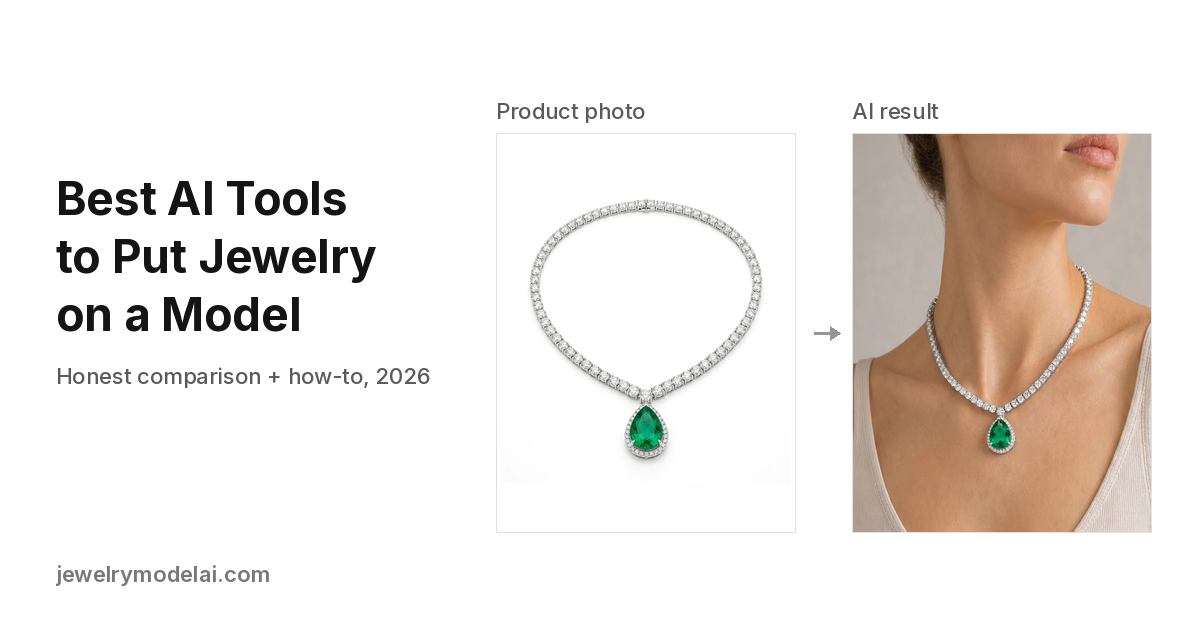
Best AI Tools to Put Jewelry on a Model (2026): Honest Comparison and How-To
Compare 12 AI tools that add jewelry to a model photo from one product shot: rings, necklaces, earrings and bracelets. Features, published prices, detail-preservation checks and a step-by-step guide. Updated October 2026.
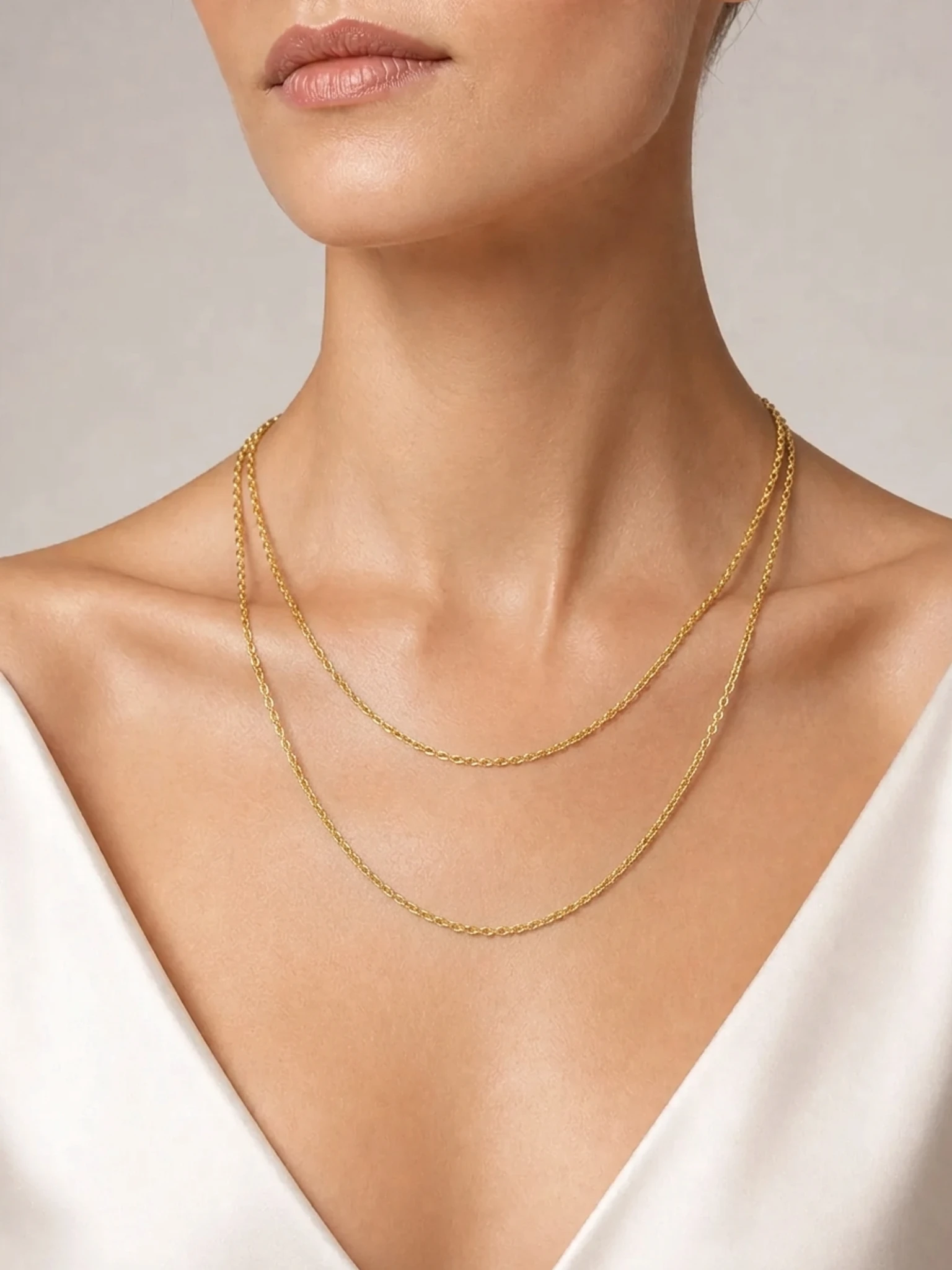
How to Put a Necklace on an AI Model (Including 16" and 18" Lengths)
Show a necklace on an AI model: where 16" and 18" chains usually sit, how to photograph pendants, chokers and lariats, what to check, and what it costs.