How to Put a Necklace on an AI Model (Including 16" and 18" Lengths)
Show a necklace on an AI model: where 16" and 18" chains usually sit, how to photograph pendants, chokers and lariats, what to check, and what it costs.
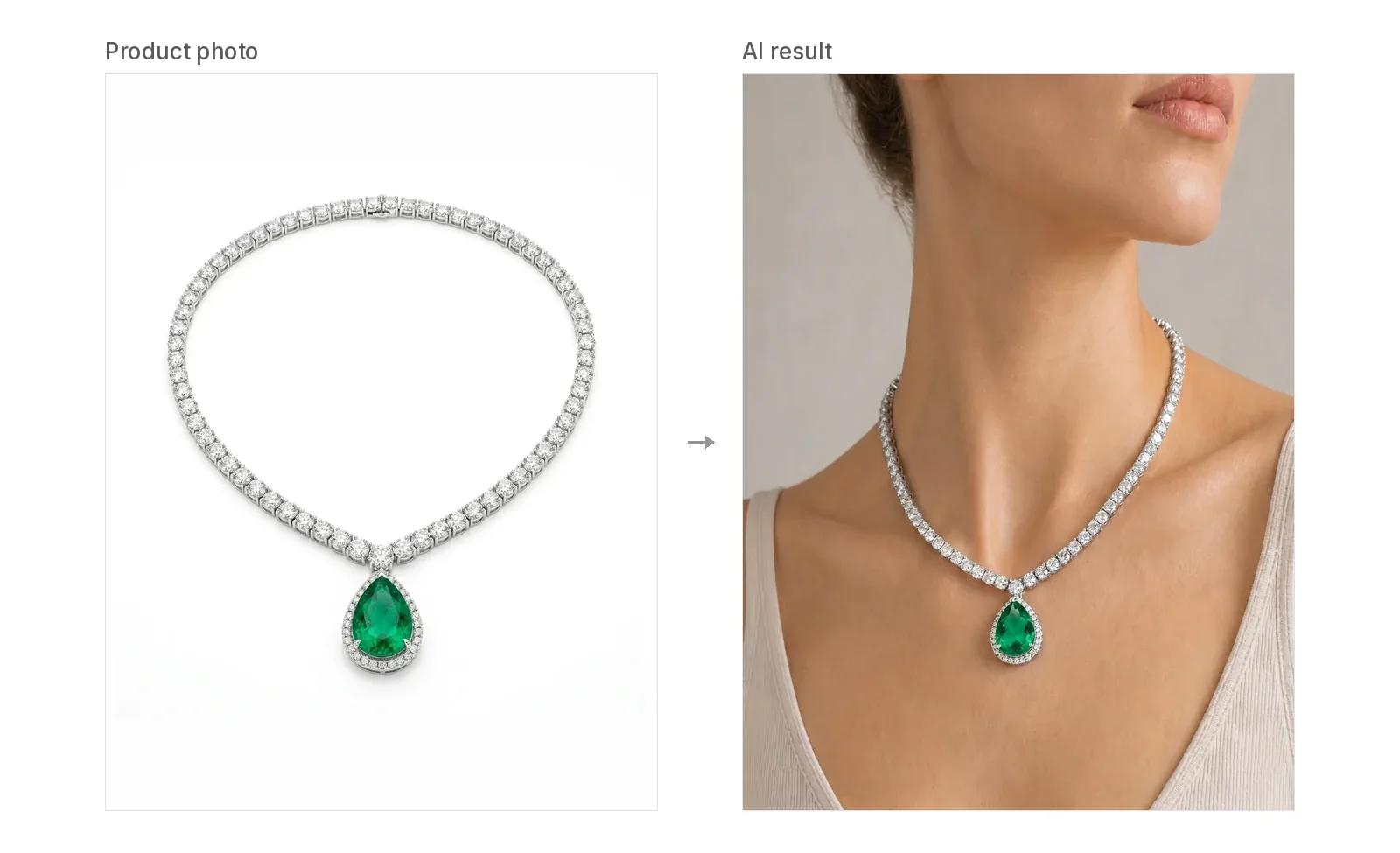
Short answer: Take one clear photo of the whole necklace, open the AI necklace model generator, pick a model, place the necklace where the real piece sits when worn, and generate. The tool shows the drape and pendant position as a visual guide. It does not measure length, so put the real length in your listing.
This guide is about necklaces only: lengths, styles, photos and checks. For the full click-by-click walkthrough of the generator, see how to put jewelry photos on a model.
Where 16" and 18" necklaces usually sit
Necklace length is the first thing shoppers ask about, and it's where on-model photos help most. As a rough guide, on an average adult neck:
- 14"–15": sits close to the base of the neck, like a choker.
- 16": sits around the collarbone.
- 18": falls just below the collarbone. This is a very common length for pendants.
- 20"–22": sits a few inches lower on the chest.
- 24" and longer: reaches the neckline of most tops or lower. Lariats and long Y necklaces often fall here.
These are typical positions, not rules. Where a chain falls depends on the wearer's neck and build, the pendant's weight and the clasp. Treat any chart, including this one, as an approximation.
What our tool does with length: nothing automatic. It doesn't read the length from your photo and it doesn't measure anything. In Manual Placement you drag the necklace, scale it and rotate it before you generate, so you decide where the chain sits. The easiest way to get it right is to put the real necklace on yourself or a mannequin, note where it falls (at the collarbone, two fingers below it, and so on) and match that on the model.
Then write the real length in your product title or description. The image shows the look; the text gives the size.
How each necklace style looks on a model
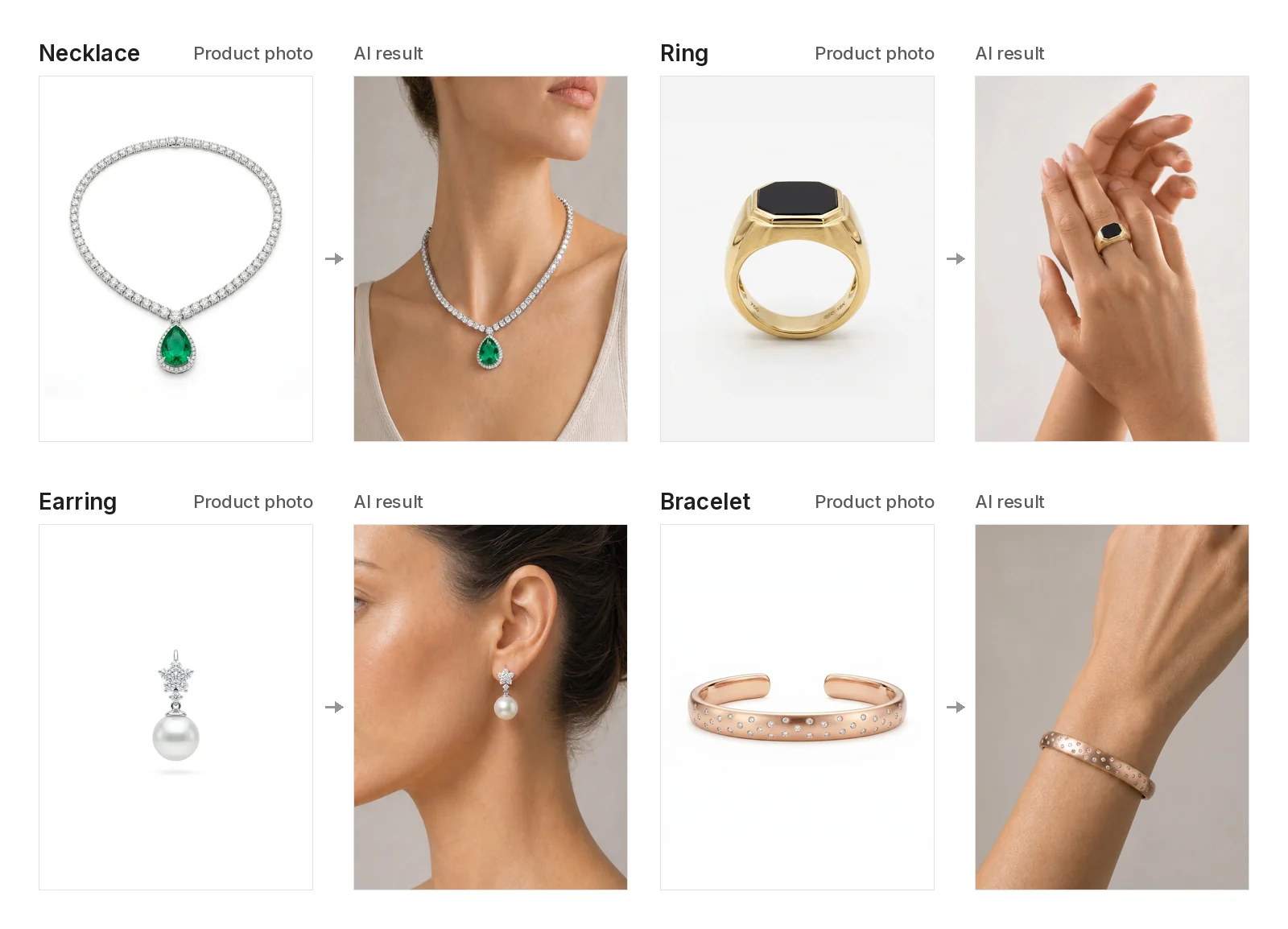
The eight examples on the AI necklace model page each start from a plain flat-lay product photo. Here is what each style shows, and what to watch for.
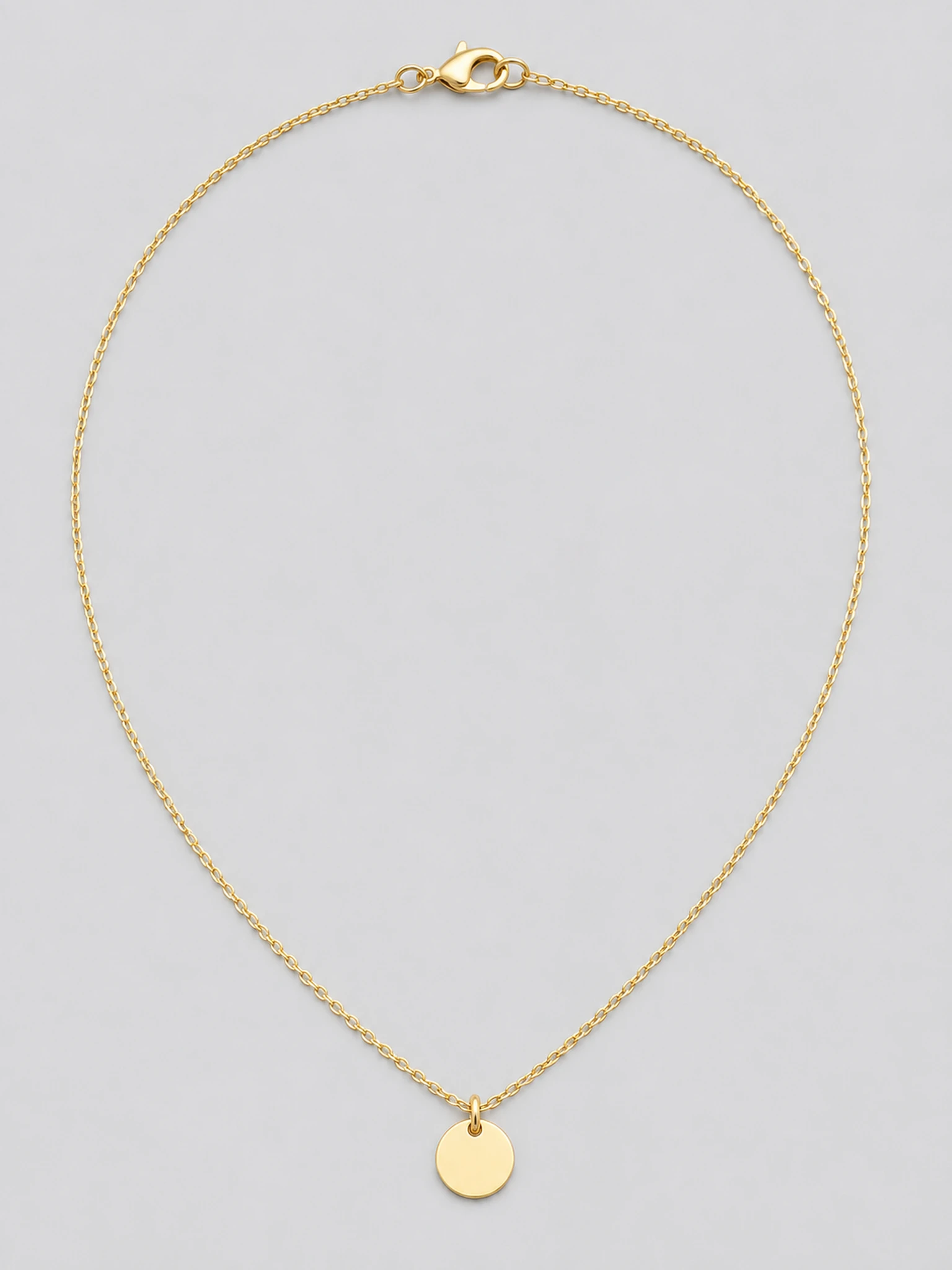
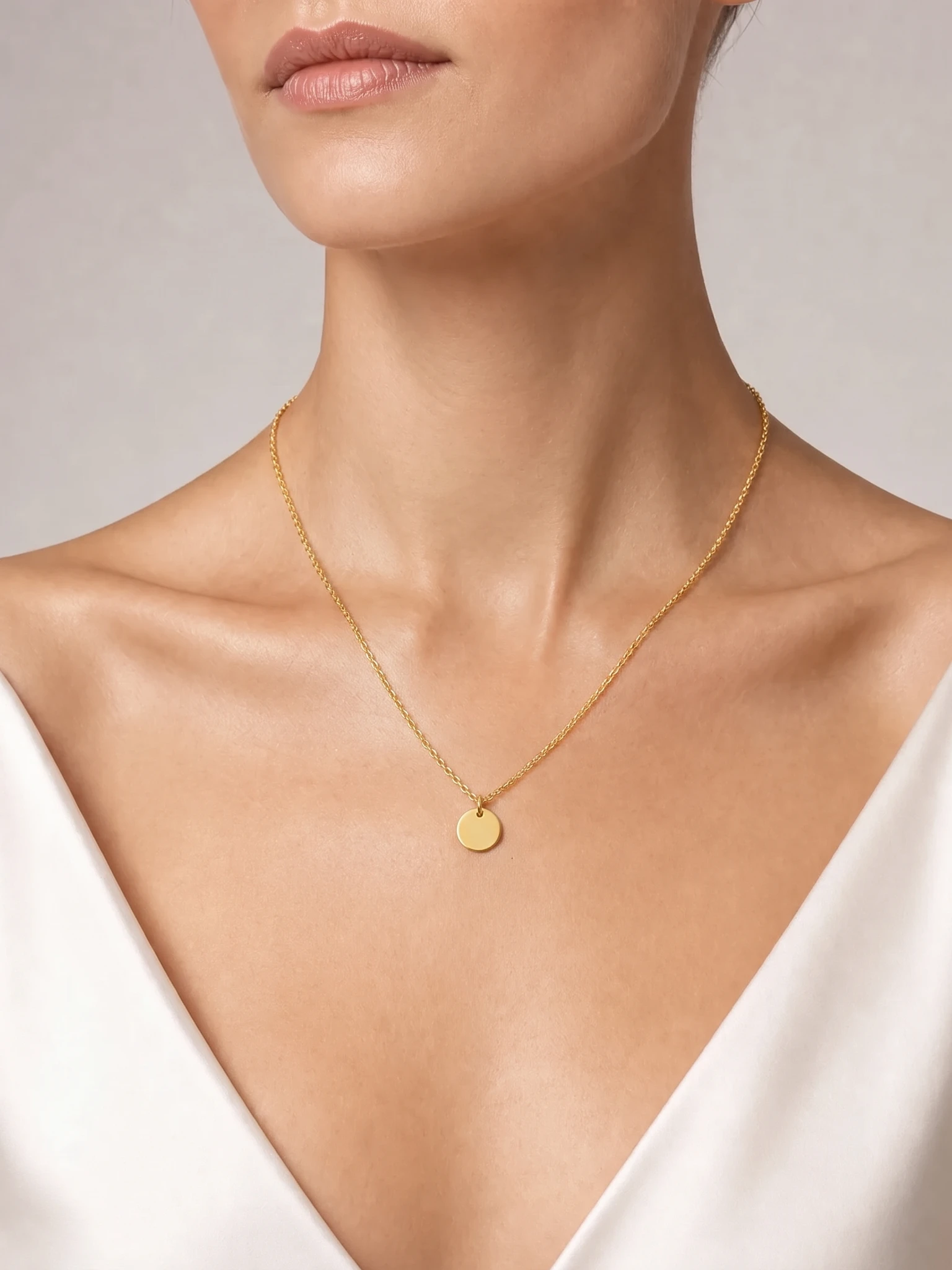
Dainty gold pendant. A thin cable chain with a small round disc pendant, sitting on the upper chest. This is the classic charm or pendant necklace. Check that the pendant stays centered and the right size.
Pearl strand. A single strand of white pearls resting at the collarbone. Check that the pearls stay round, evenly sized and in a smooth curve.
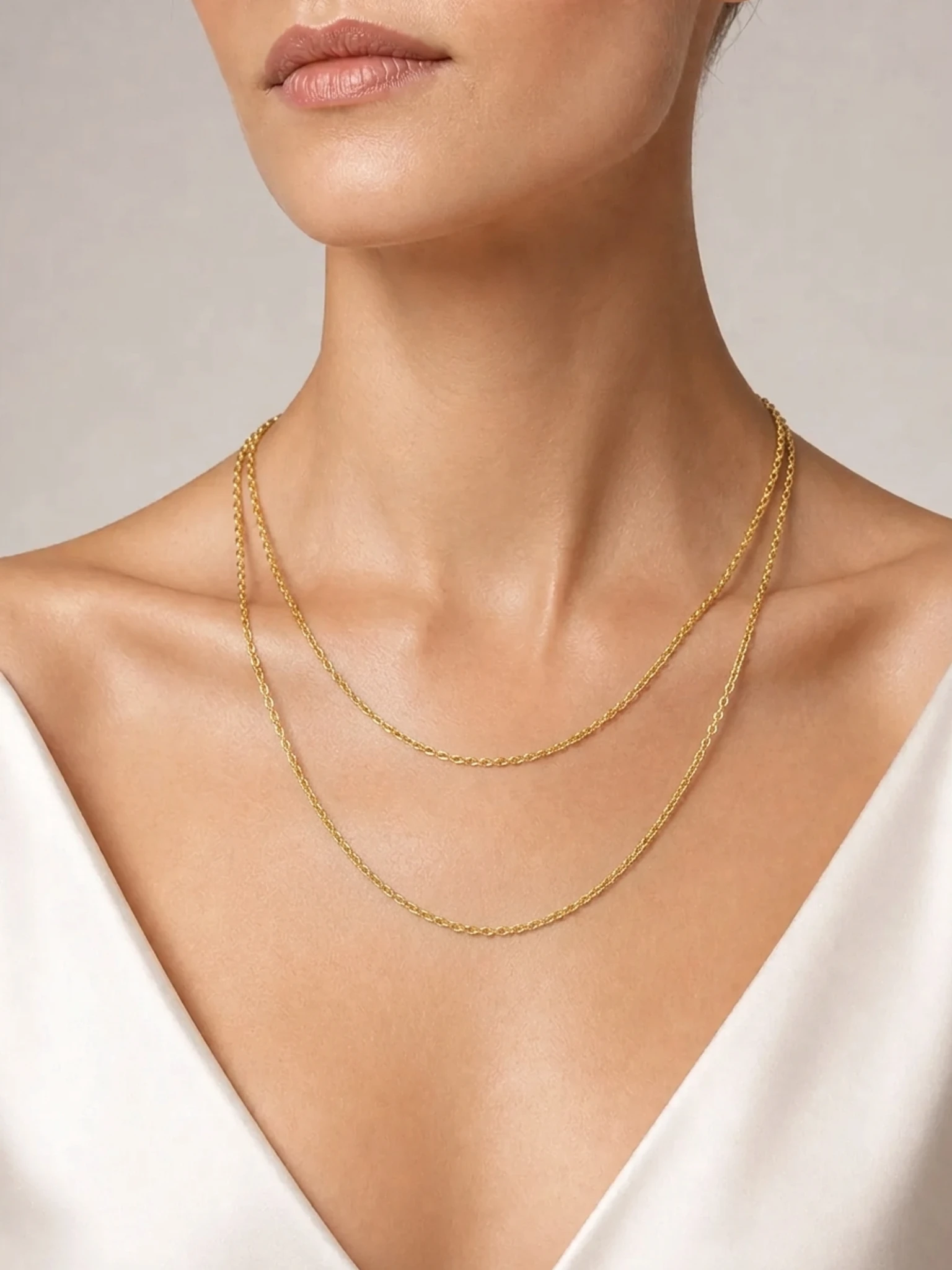
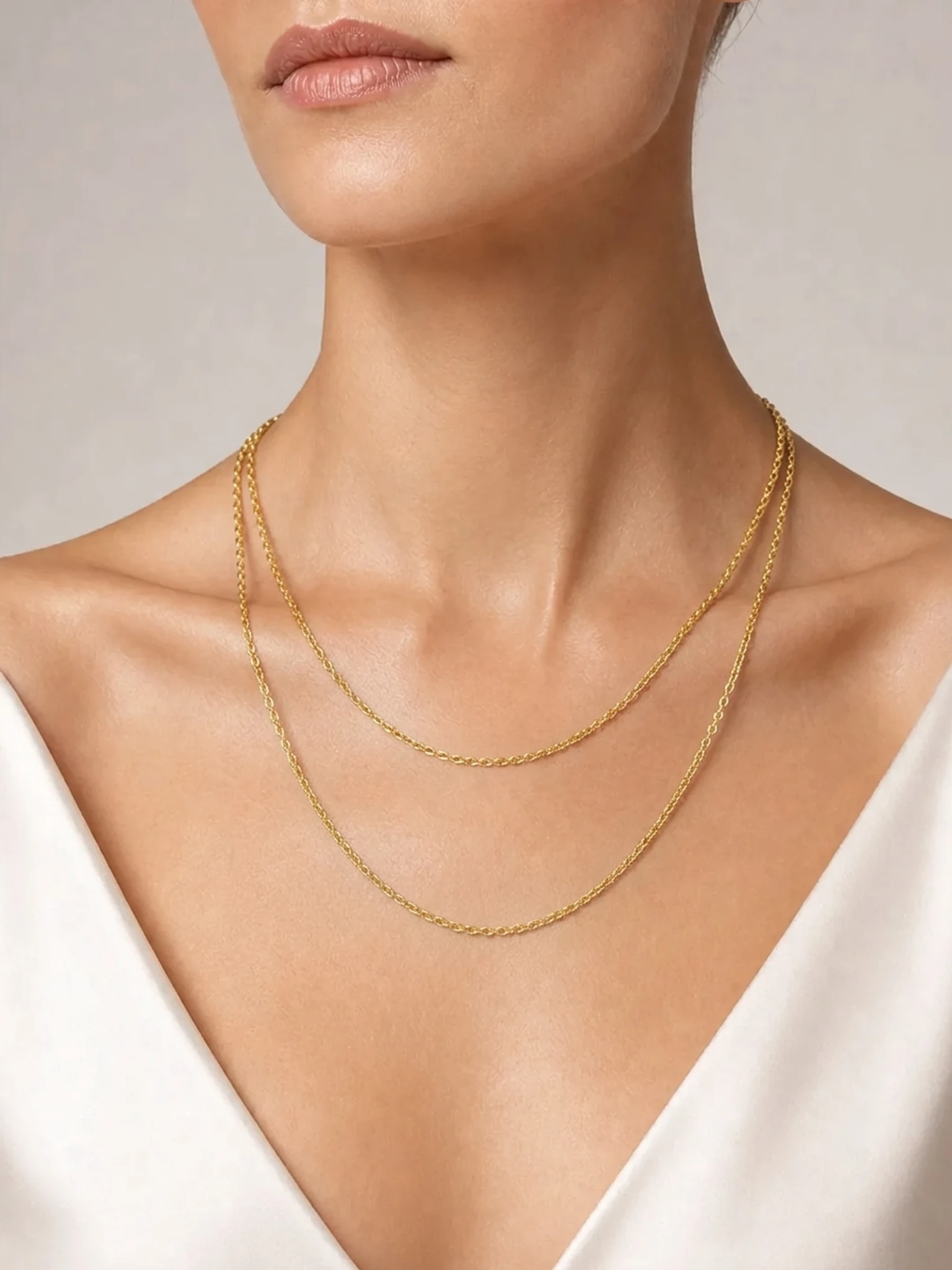
Layered chains. Two thin gold chains sold as one piece, with the shorter strand higher than the longer one. This is a good way to show two lengths in one image. Check that both strands are still there and keep their spacing.
Statement collar. A polished gold crescent on a fine chain, sitting just below the base of the neck. Check that the crescent keeps its curve and doesn't tilt.
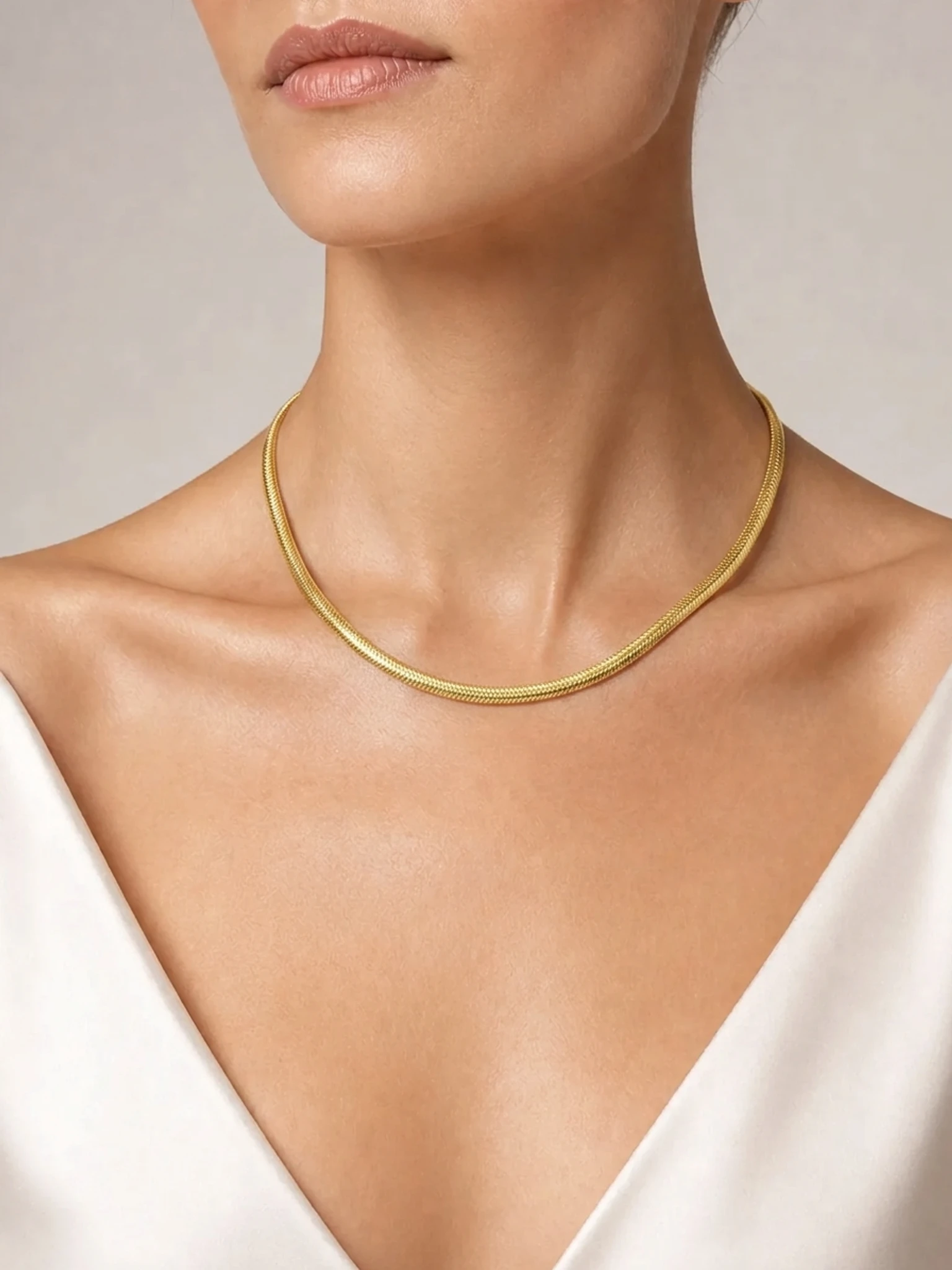
Gold choker. A short snake chain that sits close to the base of the neck. Check the smooth chain texture and that it sits snug rather than drooping.
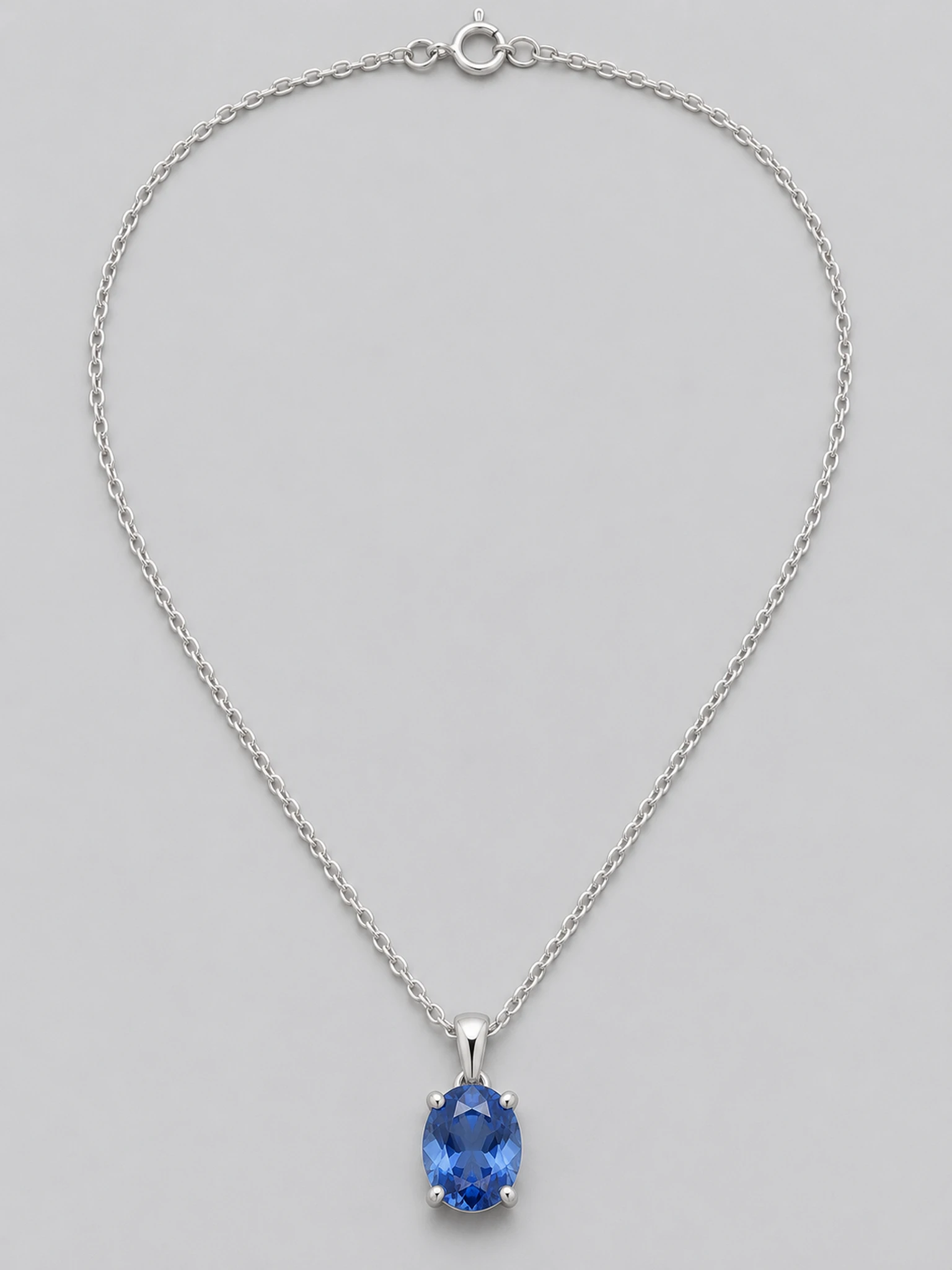
Silver gem pendant. A silver cable chain with an oval blue stone in a four-prong setting. Check the stone color, the number of prongs and the bail.
Beaded necklace. Earth-tone gemstone beads with a small gold clasp, sitting around the collarbone. Check bead colors and order.
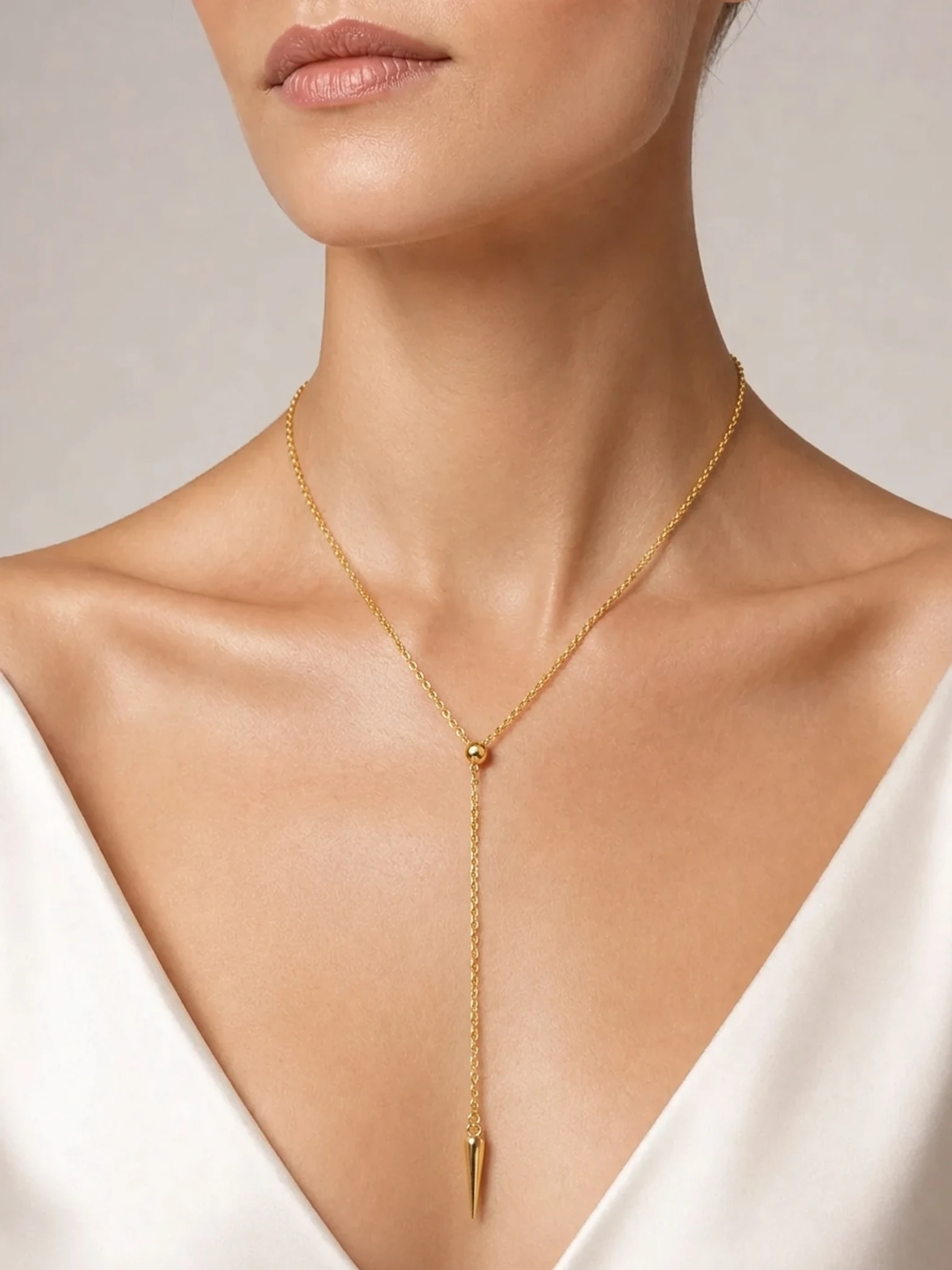
Long Y lariat. A long gold chain with a center drop and a small pendant. Long styles need an extra look: the drop should hang straight down from the center and the drape should look natural.
How to photograph a necklace for the best result
Your photo is the reference for every image, so a better photo gives a better result.
- One necklace per photo, filling most of the frame.
- The whole chain and pendant in frame. Lay it flat in its natural shape, not tangled or cropped.
- A visible clasp and clear links. The AI copies what it can see.
- Even, soft light without strong glare on metal or stones.
- JPG, PNG or WebP up to 10MB. A white background, a flat lay or a clean smartphone photo all work.
Add More Views for details. After you upload the main photo, a More Views (Optional) box lets you add up to two more photos of the same necklace, such as a close-up of the clasp, the back of the pendant or a side view of a stone setting. It works with both Manual and Auto placement and doesn't change the credit cost. The AI uses these views only as a reference for how the piece looks; the main photo is still the one placed on the model.
What to check before you publish
AI can still change small details, so zoom in on every image and compare it with the real necklace:
- Chain links: same type and thickness, no links merged or added.
- Clasp: still looks like your clasp, if it's visible.
- Pendant position: centered, the right size, hanging naturally.
- Metal color: yellow gold, rose gold and silver haven't shifted.
- Stones and beads: same count, color and setting.
- Length: the drop looks like the real piece when worn, and the real length is in your listing.
If a delivered image materially changes your necklace and regenerating doesn't fix it, contact support. Once we verify it, we restore the credits. Cash refunds are available within 7 days of your first purchase under our refund policy.
Which website gives consistent necklace results, and what does it cost?
We can only speak for our own product. In Jewelry Model AI, necklaces give the most consistent results. Rings, earrings and bracelets are in the same generator, but they are still in beta and vary more. If you want to compare tools, see our roundup of AI tools that put jewelry on a model.
On cost:
- A 2K image uses 10 credits. A 4K image uses 15 credits and needs a paid plan.
- On the Starter plan, a 2K image works out to about $0.38.
- Credits are charged only when an image is delivered. If a job errors out and no image is delivered, its credits go back to your balance automatically.
- New accounts get free credits at sign-up to try it. Images made with free credits are not licensed for commercial use; paid plans include a commercial-use license.
See pricing for plans. For rules on selling with AI images, including Etsy, see can I use AI-generated model photos to sell jewelry.
Selling on Etsy? Etsy requires at least one unedited photo of the actual item in each listing. It doesn't have to be the first image, and Etsy recommends noting AI edits in the description. Keep your real photo in the listing and use these images as additional photos.
Ready to try it? Open the AI necklace model generator. Necklace is already selected there.
FAQ
Can an AI model show exactly how a 16-inch or 18-inch necklace will look? Only as a rough visual guide. The tool does not measure chain length. In Manual Placement you set the position and size yourself, so match it to how the real piece sits, and list the real length.
Which necklace styles work best? Necklaces give the most consistent results in our generator. Pendants, pearl strands, layered chains, collars, chokers, beaded necklaces and Y lariats all work from a clear photo. Check long styles for a natural drape.
Can I add photos of the clasp or the back of the pendant? Yes. Add up to two more views under More Views (Optional) after you upload the main photo.
How much does one necklace image cost? A 2K image uses 10 credits and a 4K image uses 15 credits (4K needs a paid plan). On Starter, a 2K image is about $0.38. Credits are charged only when an image is delivered.
Can I use the images on Etsy? Yes, as additional photos. Etsy requires at least one unedited photo of the actual item in each listing.
Author

More Posts
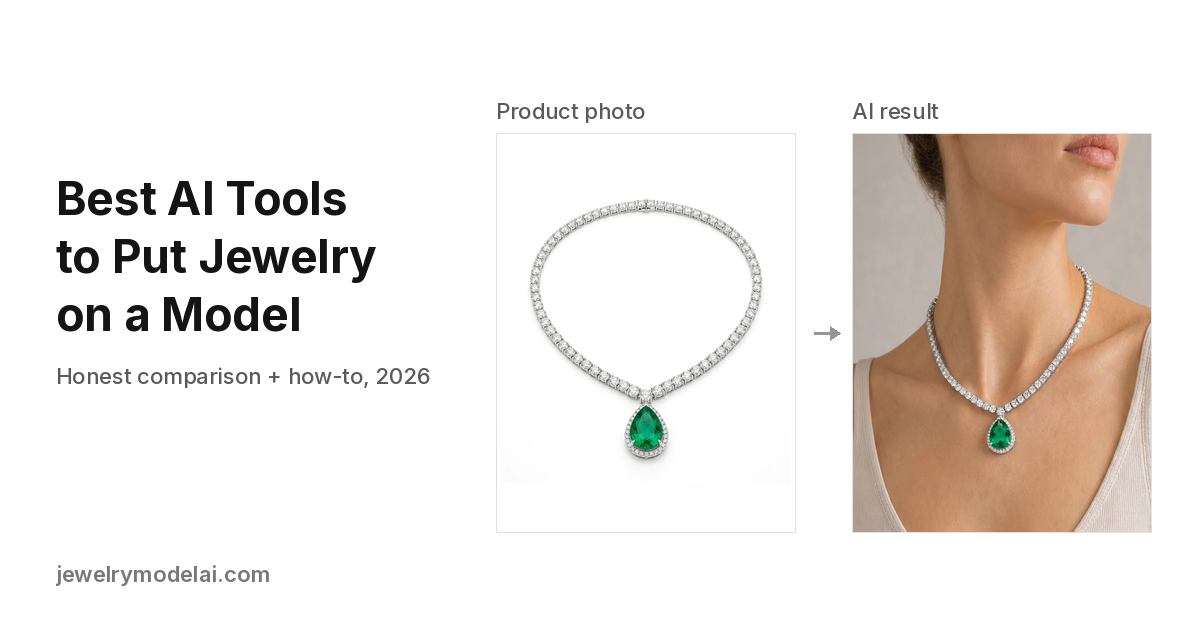
Best AI Tools to Put Jewelry on a Model (2026): Honest Comparison and How-To
Compare 12 AI tools that add jewelry to a model photo from one product shot: rings, necklaces, earrings and bracelets. Features, published prices, detail-preservation checks and a step-by-step guide. Updated October 2026.
How to Put Photographs of Jewelry onto a Model with AI
Step-by-step: put your jewelry product photos onto a model with AI. Photo tips, Manual or Auto placement, credits, and what to check before you publish.
Can I Use AI-Generated Model Photos to Sell Jewelry? Disclosure, Etsy, and Image Rights
Can you sell jewelry with AI model photos? What our license covers, Etsy and Google Merchant rules, Meta AI labels, ad honesty, and consent for real faces.