Choose Your Jewelry Type
Select Ring, Necklace, Earring, or Bracelet. Your choice determines the available model presets and placement options — it's the starting point for the entire workflow.
Upload a ring, necklace, earring, or bracelet photo. Generate on-model jewelry images for product pages, ads, and social content in about 60 seconds.
Free credits to start. No credit card required.
Traditional jewelry shoots can cost $85–$225 per finished shot and often take 14–21 days per cycle. For brands launching new SKUs every month, that makes model imagery expensive to scale. Industry reports also suggest that strong on-model visuals can improve shopper confidence and conversion by up to 94%. AI Jewelry Model gives sellers a faster way to create wearable product imagery while keeping the jewelry photo as the core reference.
Up to 90%
Lower production cost reported in AI photo workflows
~60 sec
Typical generation window per image
Up to 94%
Reported conversion lift with model imagery
No studio. No model booking. No waiting two weeks. Just configure, generate, and download.
Select Ring, Necklace, Earring, or Bracelet. Your choice determines the available model presets and placement options — it's the starting point for the entire workflow.
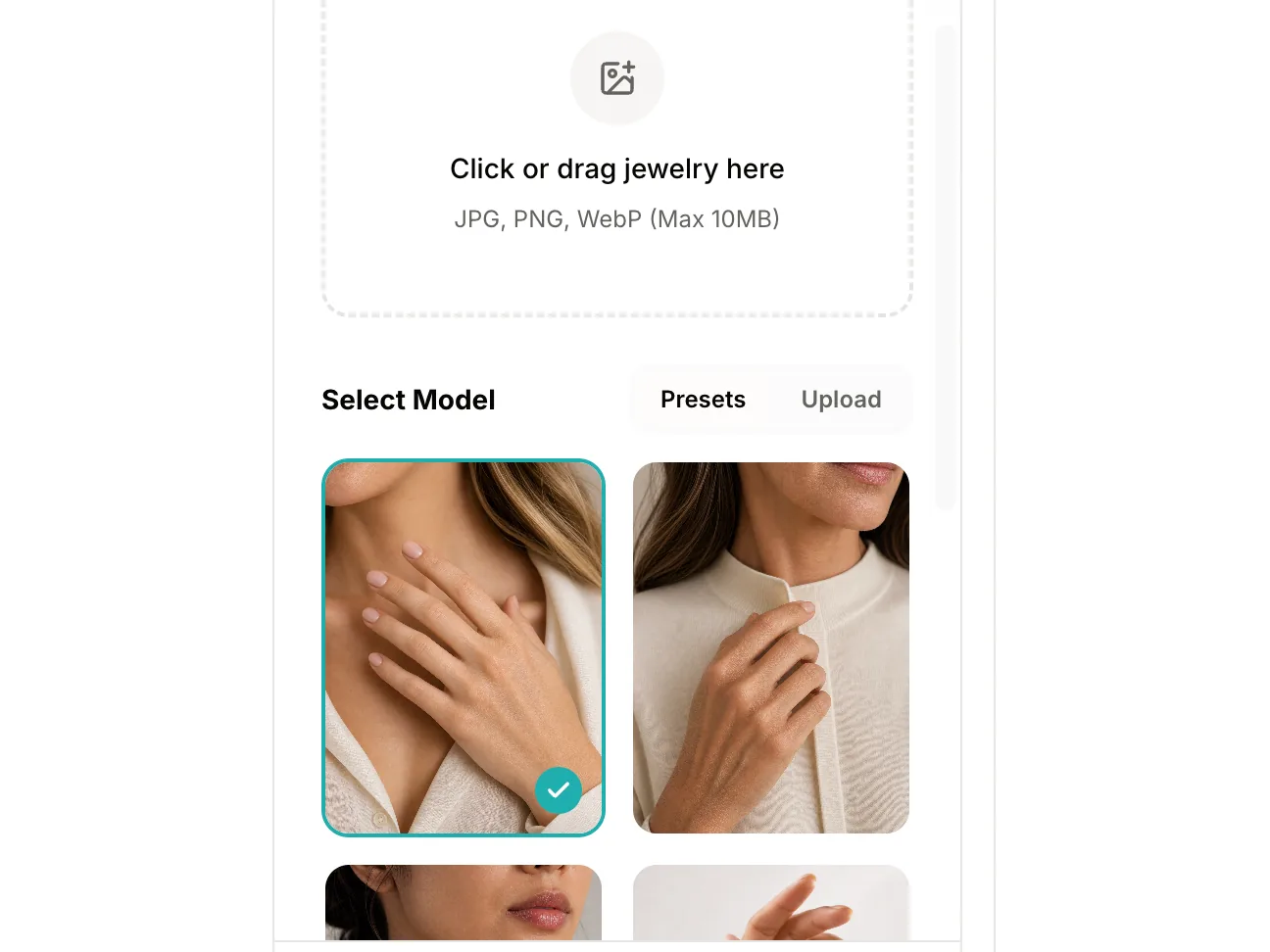
Upload any clear jewelry photo, then pick a preset AI model or upload your own. When you click Generate, you can choose to position the jewelry manually for precise control, or let the AI place it automatically.
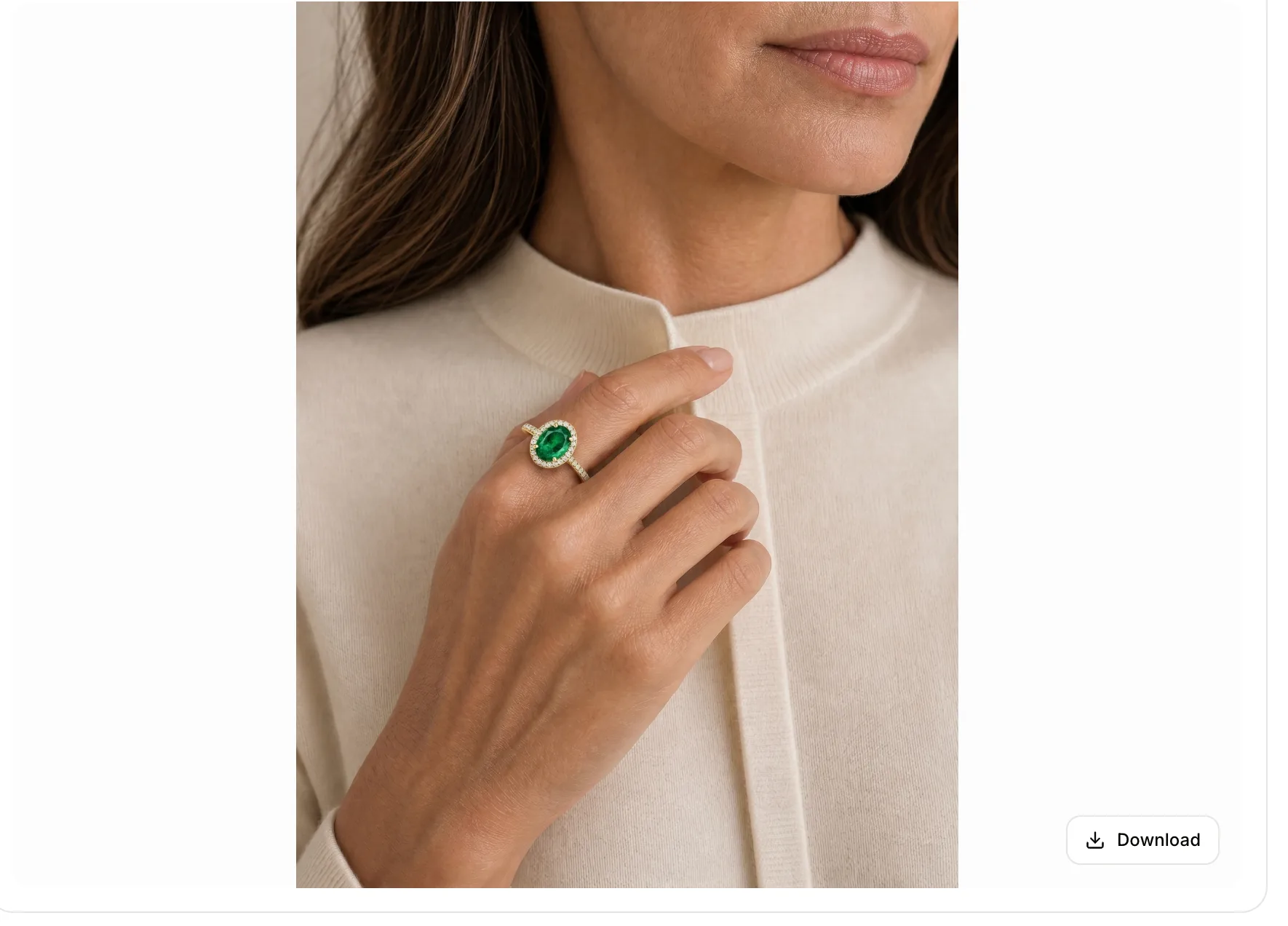
Your image appears in the preview panel in about 60 seconds. Review the result, then download at full resolution for immediate commercial use.
Four jewelry types, guided placement controls, and a workflow built for ecommerce product visuals.
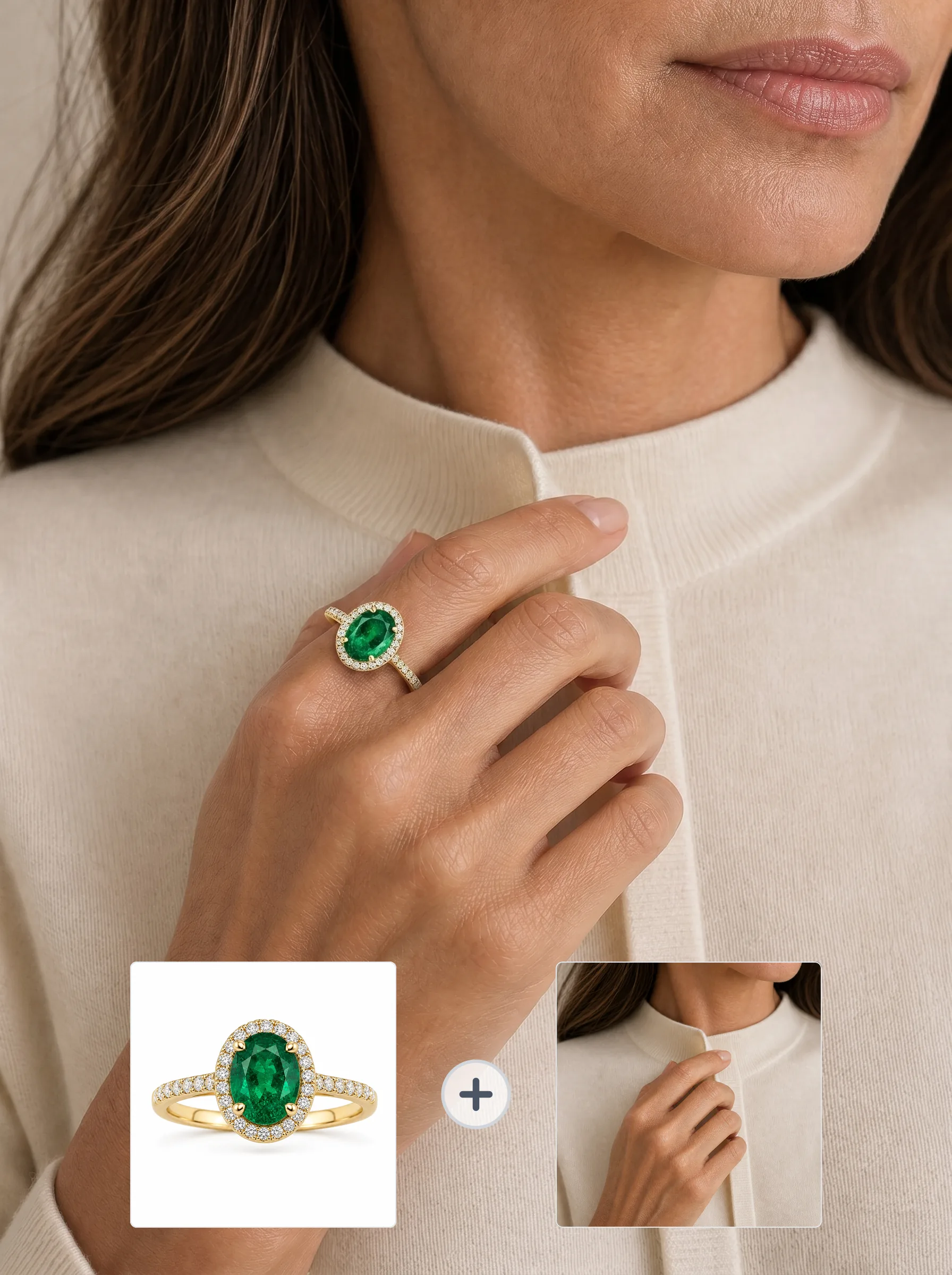
Create ring try-on images with controls for index, middle, ring, or pinky placement. Auto mode starts with a practical default, while manual placement gives you more control when the product or hand pose needs it.
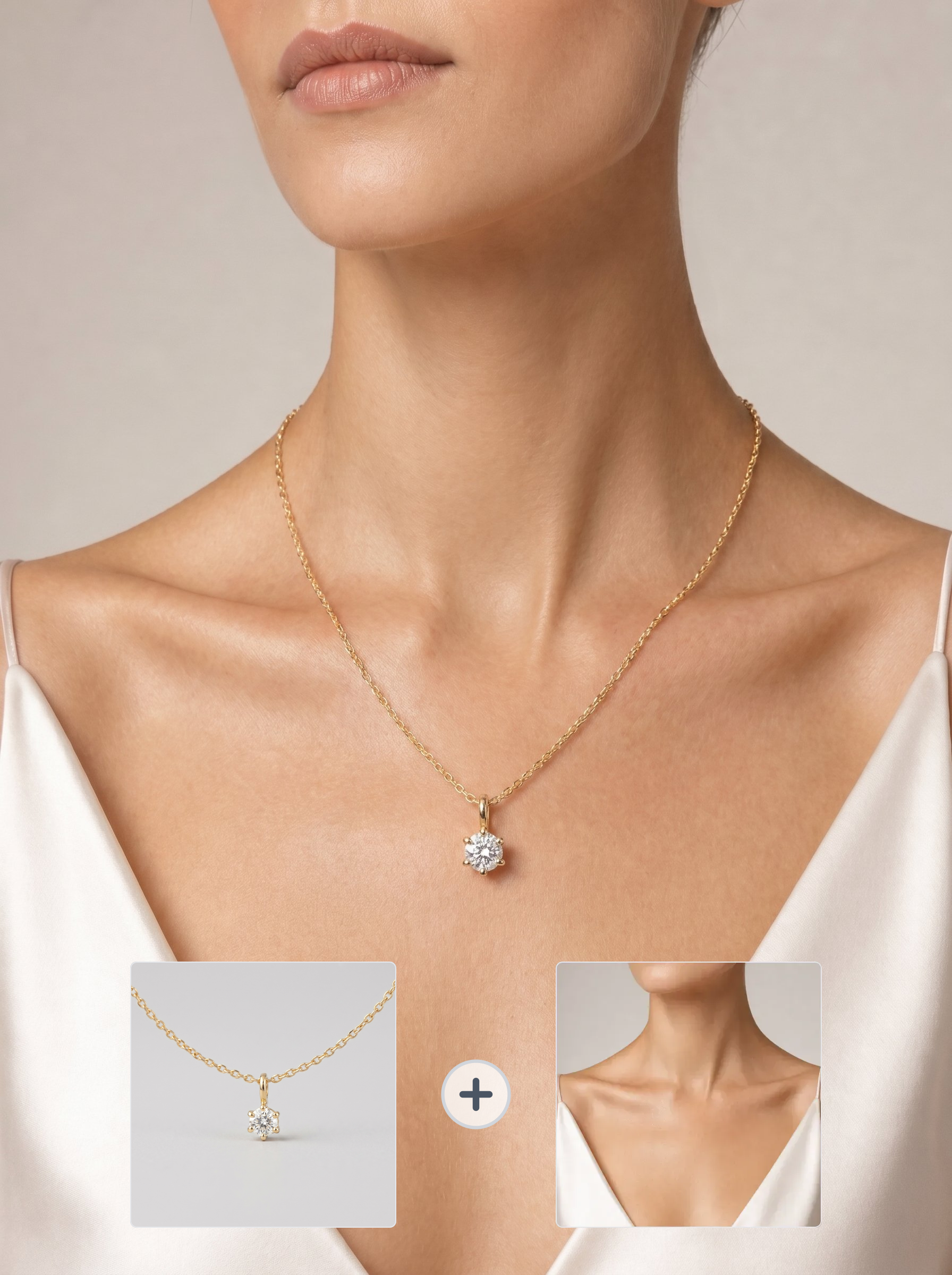
Generate necklace model shots around neckline, chain length, and pendant position. The workflow is designed to keep key chain, clasp, stone, and pendant details visible from the uploaded product image.
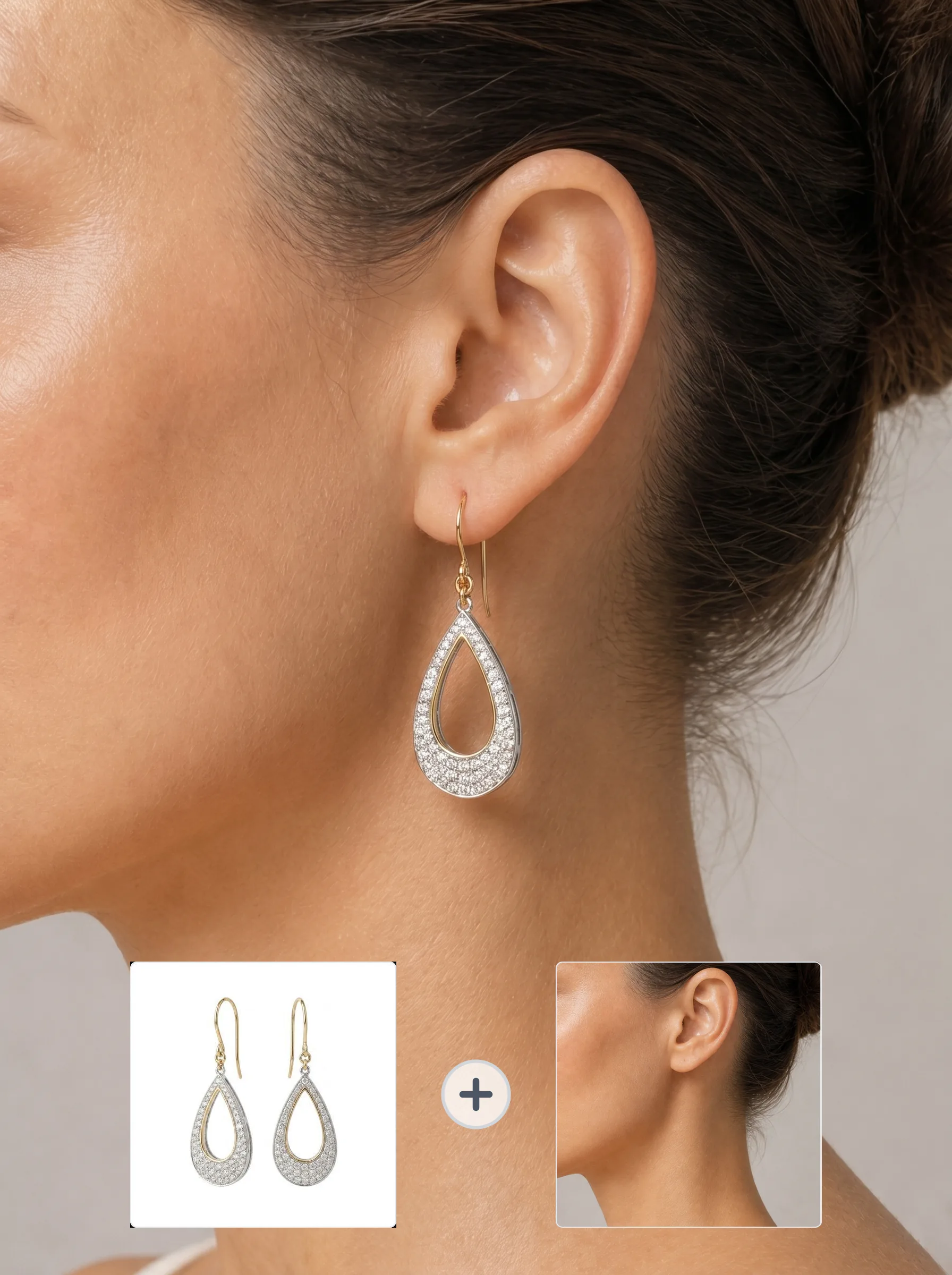
Show earrings on the left ear, right ear, or both ears. Use it for studs, hoops, and drop earrings when you need a clearer on-model view for product pages or campaigns.
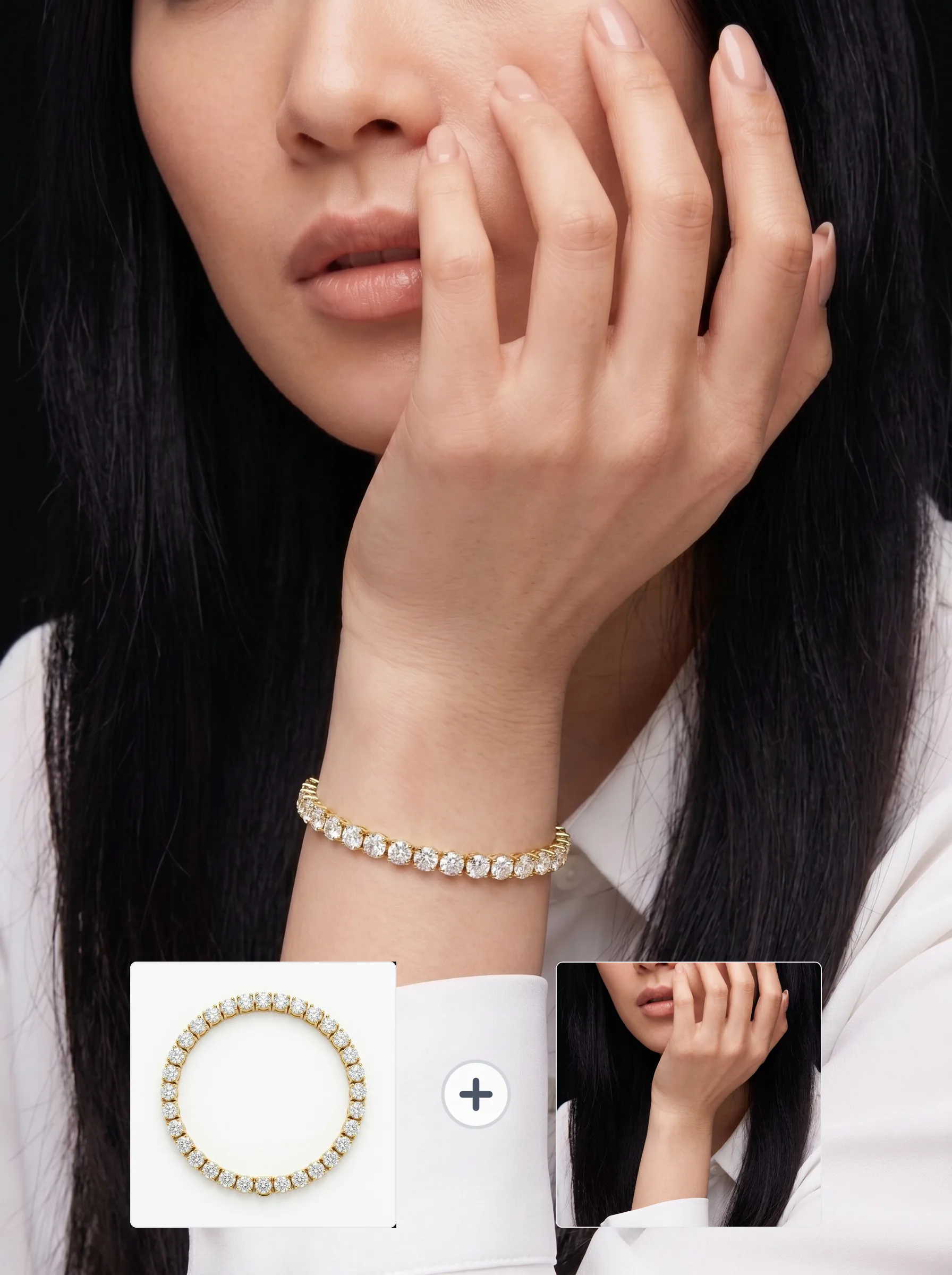
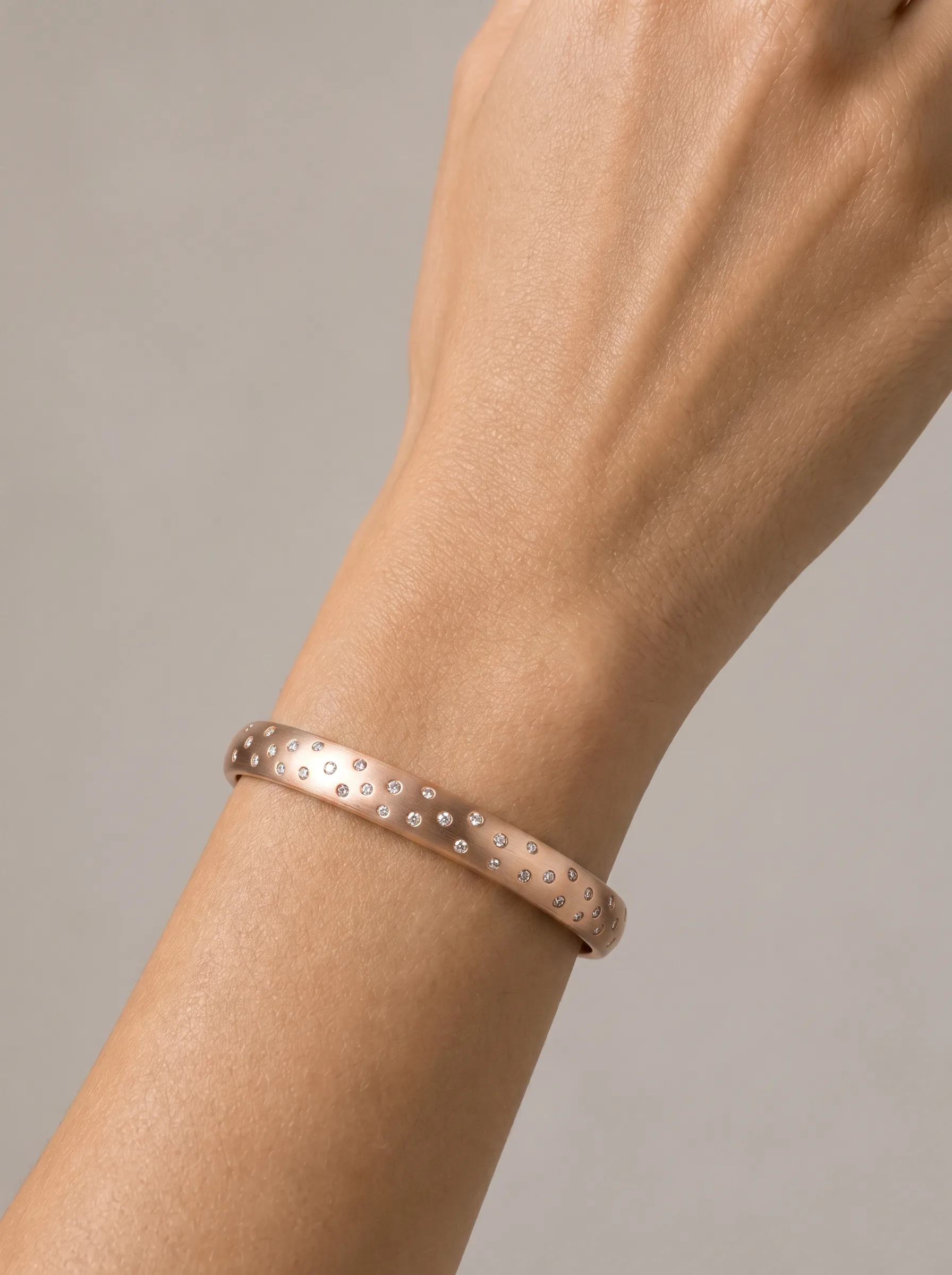
Display bracelets and bangles on a left or right wrist model image. Placement controls help match the product category, wrist direction, and listing convention you want to show.
The same jewelry workflow. One uploaded product photo becomes on-model product imagery for rings, necklaces, earrings, and bracelets in about 60 seconds.
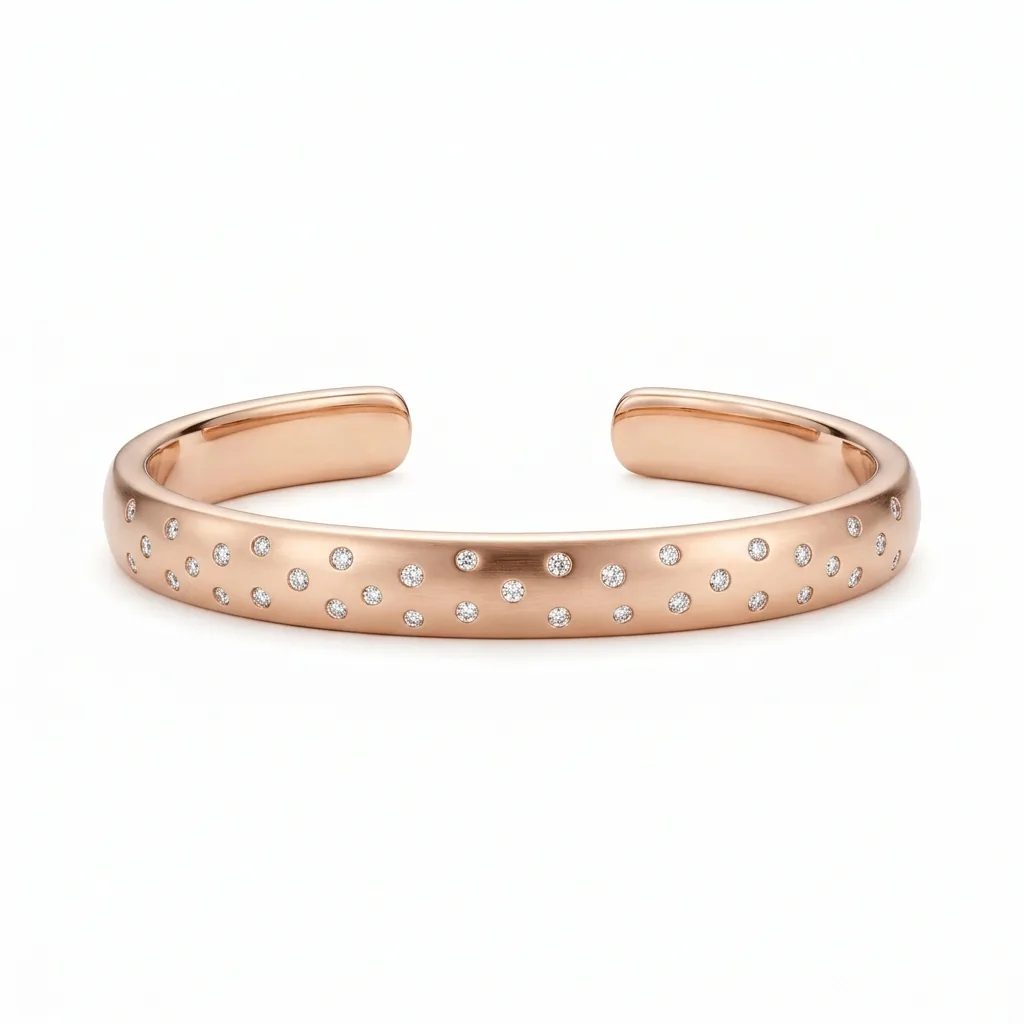
Bracelet
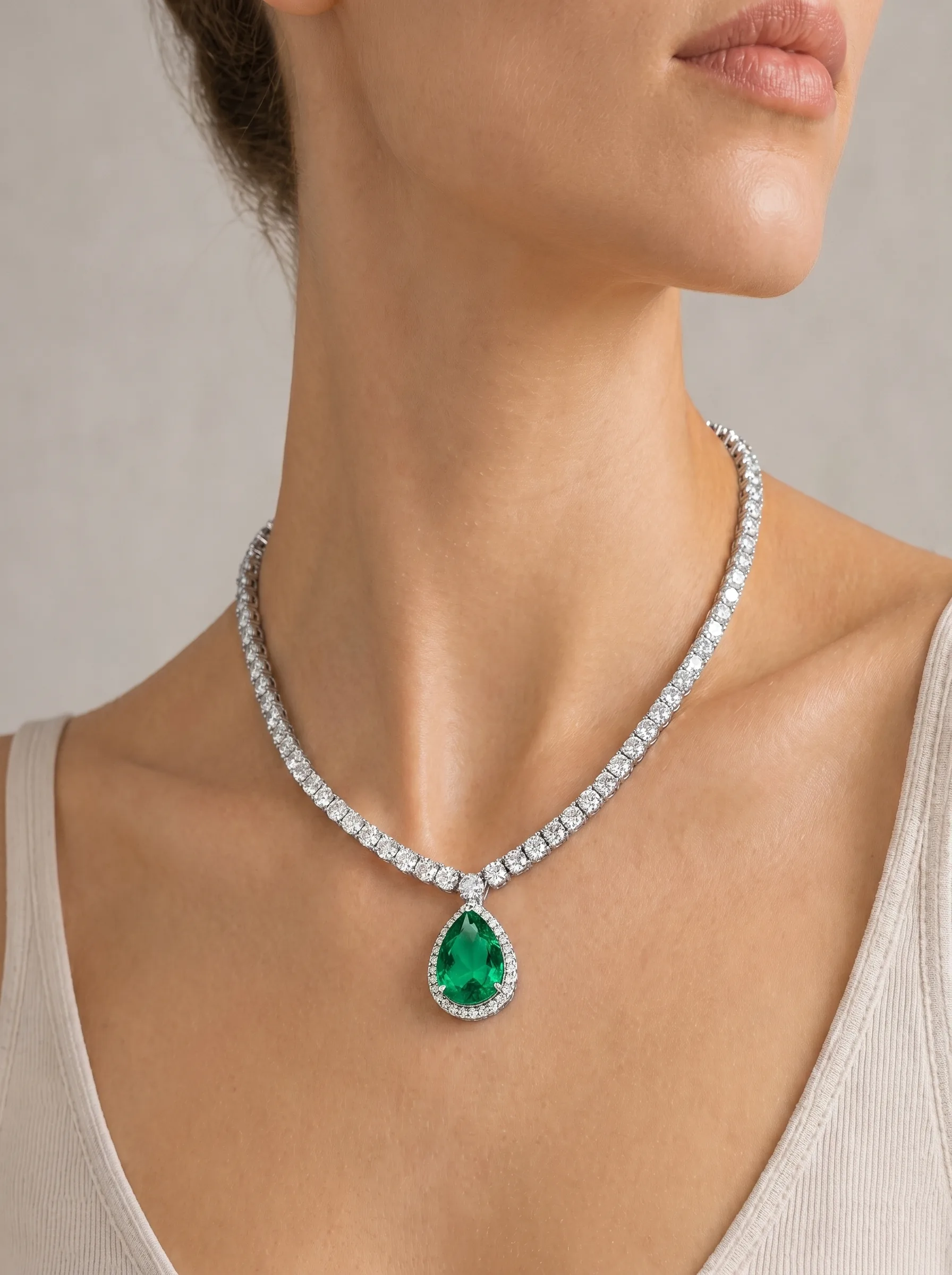
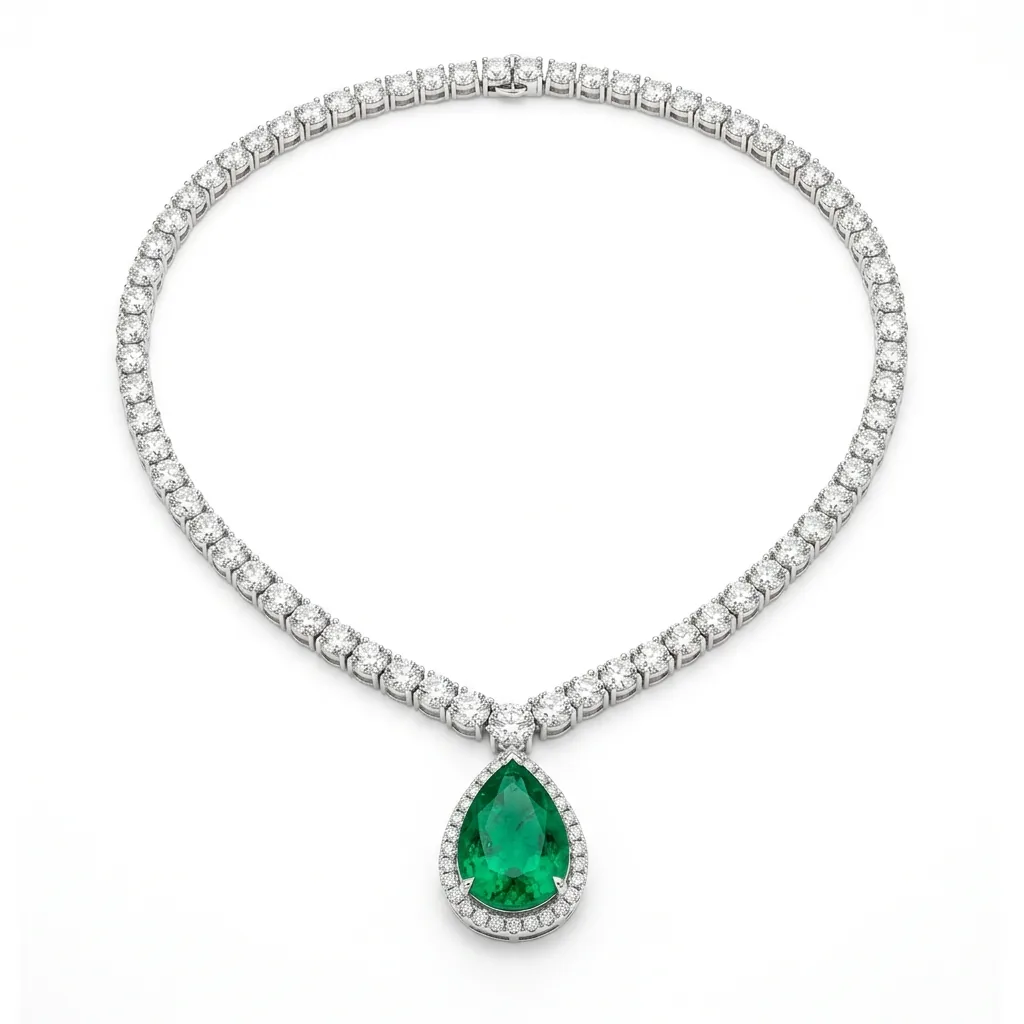
Necklace
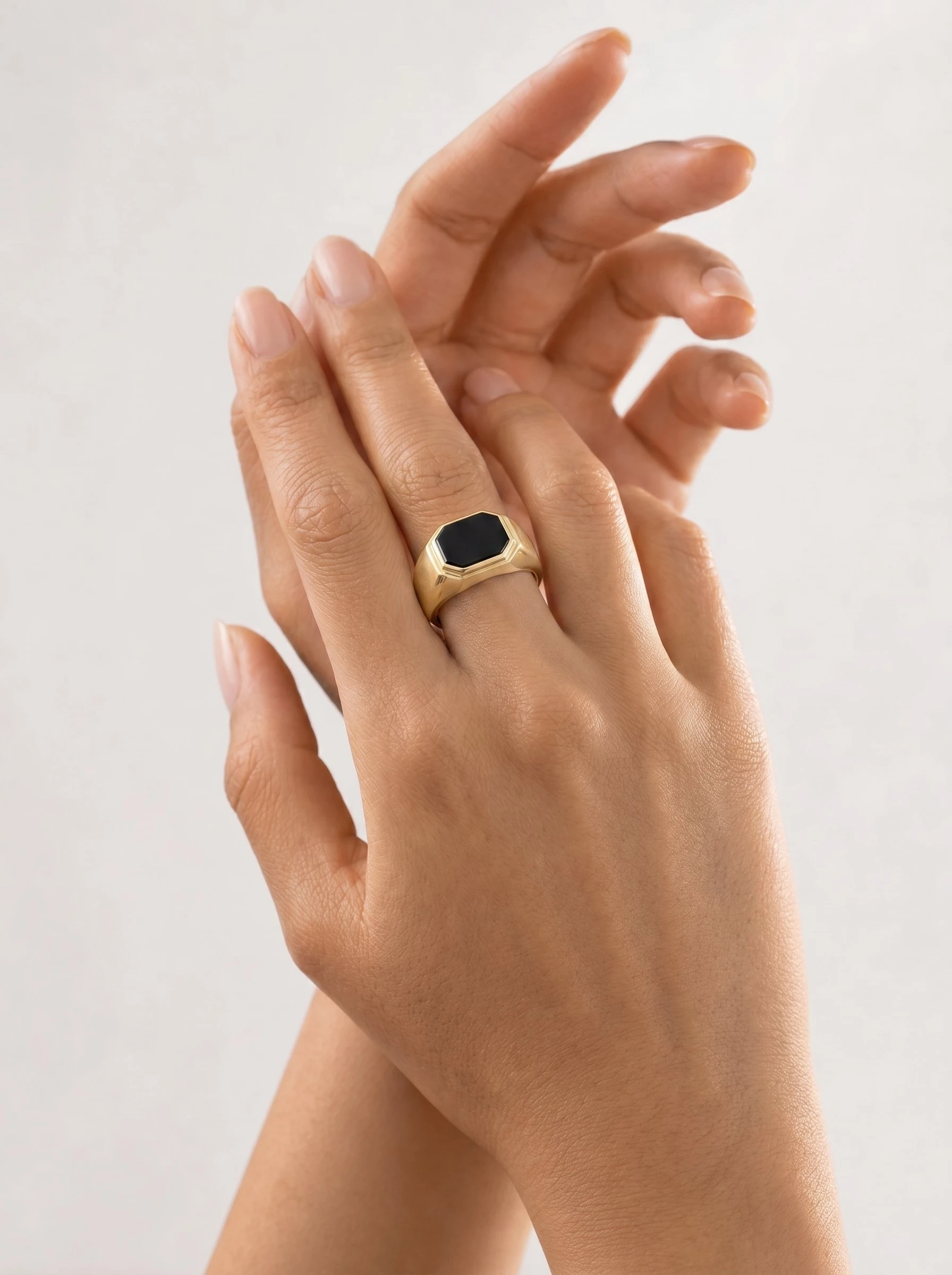
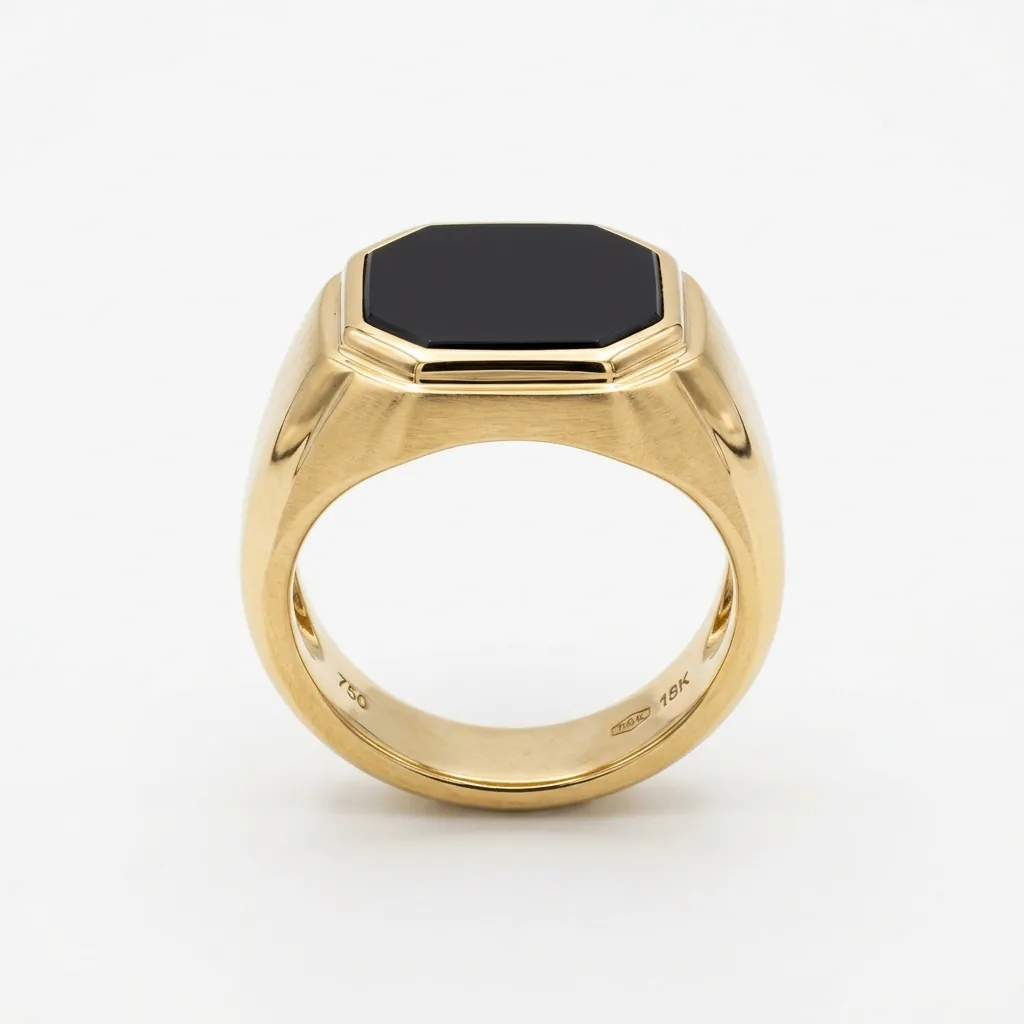
Ring
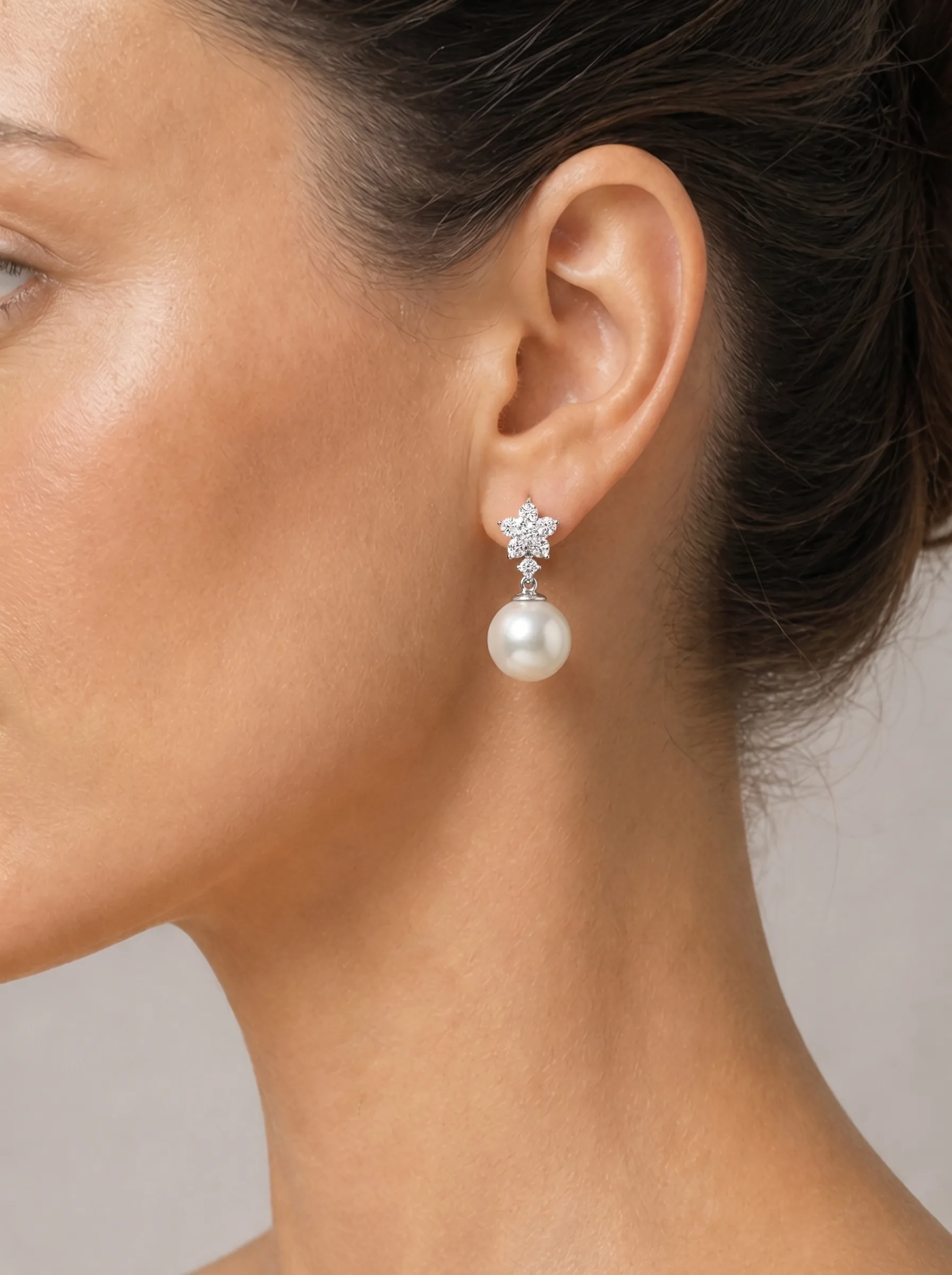
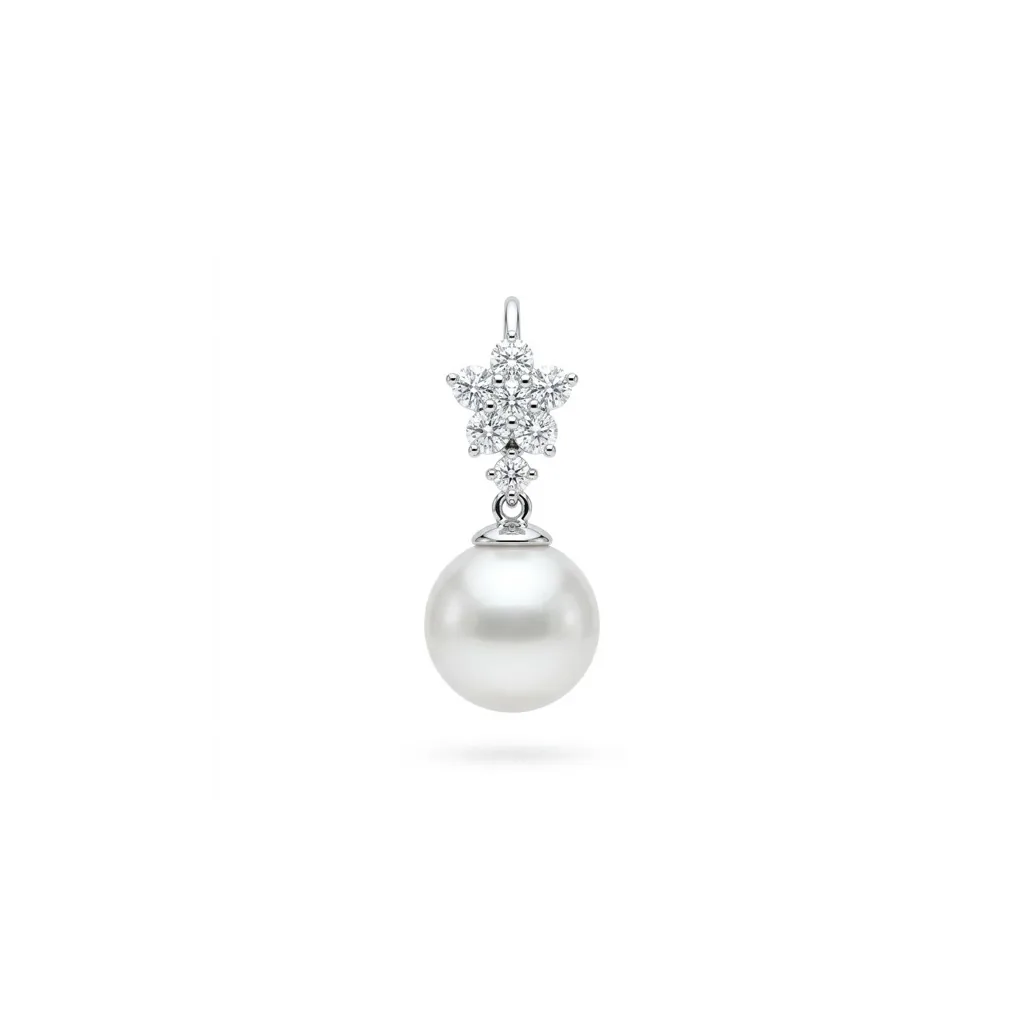
Earring
Whether you run a solo Etsy shop or manage a multi-brand catalog, AI Jewelry Model fits your workflow.
You design and make the jewelry yourself. You should not have to spend $500 on a photoshoot every time you launch a new piece. AI Jewelry Model gives independent sellers access to the same quality of model imagery that large brands use — at a fraction of the cost.
When your catalog grows from 50 SKUs to 500, traditional photography becomes a bottleneck. AI Jewelry Model lets your team generate consistent, on-brand model shots for every new product without scheduling a single shoot.
Managing visual content for multiple jewelry brands means constant coordination with photographers, models, and studios. AI Jewelry Model replaces that coordination with a repeatable workflow that delivers consistent results across every client account.
Generic image tools often reinterpret product details. AI Jewelry Model is built to keep the jewelry image as the product reference throughout the workflow.
Generic AI tools can drift away from the uploaded product. AI Jewelry Model is designed to keep the jewelry photo as the main reference, so key stones, settings, metal tone, and product structure remain visible in the on-model result.
AI Jewelry Model is built for photorealistic jewelry model images, with product cutout, placement, and generation handled in one workflow. The goal is a polished ecommerce visual, not an illustrated reinterpretation.
Most AI jewelry tools only handle necklaces or earrings well. AI Jewelry Model is purpose-built for rings, necklaces, earrings, and bracelets — each with type-specific placement logic that handles the unique geometry of each jewelry category.
Paid outputs can be used for ecommerce and marketing, including product pages, social content, and ads. You remain responsible for the rights to the product, model, portrait, logo, and brand materials you upload.
Choose a plan that fits your workflow.
Subscriptions
Perfect for independent designers and small shops launching new pieces
Best value for growing brands with regular catalog updates
For agencies and high-volume sellers managing large catalogs
Everything you need to know before you start generating.
AI Jewelry Model is an AI-powered tool that turns jewelry product photos into on-model images for ecommerce and marketing. Upload a ring, necklace, earring, or bracelet photo, choose a model scene, and generate a realistic product visual with the uploaded jewelry image used as the key reference.
AI Jewelry Model is designed to reduce product detail drift by using the uploaded jewelry photo as the core reference. Clear, well-lit product images give the system more information to preserve visible stone cuts, metal tone, prong settings, and engravings. Like any AI image workflow, outputs should still be reviewed before commercial use.
AI Jewelry Model supports rings, necklaces, earrings, and bracelets. Each type has dedicated placement controls: rings can target specific fingers, earrings can use the left ear, right ear, or both ears, bracelets can target the left or right wrist, and necklaces are positioned around neckline and pendant placement.
Most generations are designed to complete in about 60 seconds. You can upload your jewelry photo, configure placement settings, and review a downloadable result far faster than a traditional shoot cycle, which industry reports often describe as taking 14 to 21 days.
Paid outputs can be used for product pages, social media, ads, and other ecommerce marketing materials, subject to our Terms of Service. You must have the rights to any jewelry, model, portrait, logo, brand, or reference material you upload.
A clear, well-lit photo with the jewelry as the main subject works best. White-background product shots, flat lays, and clean smartphone photos all work well. The higher the quality of your input image, the more detail the AI can preserve in the output.
AI Jewelry Model uses a credit-based system. New users receive free credits on sign-up to try the tool without a credit card. Paid plans include a monthly credit allowance, and active subscribers can add extra credits for higher-volume needs. Credits are only consumed on successful generations.
AI Jewelry Model is designed for repeatable catalog workflows. It can help teams create model shots across many SKUs without scheduling a new shoot for every product, while still requiring review for product accuracy before publishing.
Upload one product photo, choose a model scene, and create a cleaner jewelry try-on image without arranging a shoot.
Free credits to start · No credit card required · About 60 seconds